.avif)
.avif)
.avif)
.avif)
Scheduling, payments, and automations in one fast, beautiful platform — built for studios and the people who run them.
Get StartedBook a demoClick through to see what's inside — every feature, with the real interface.
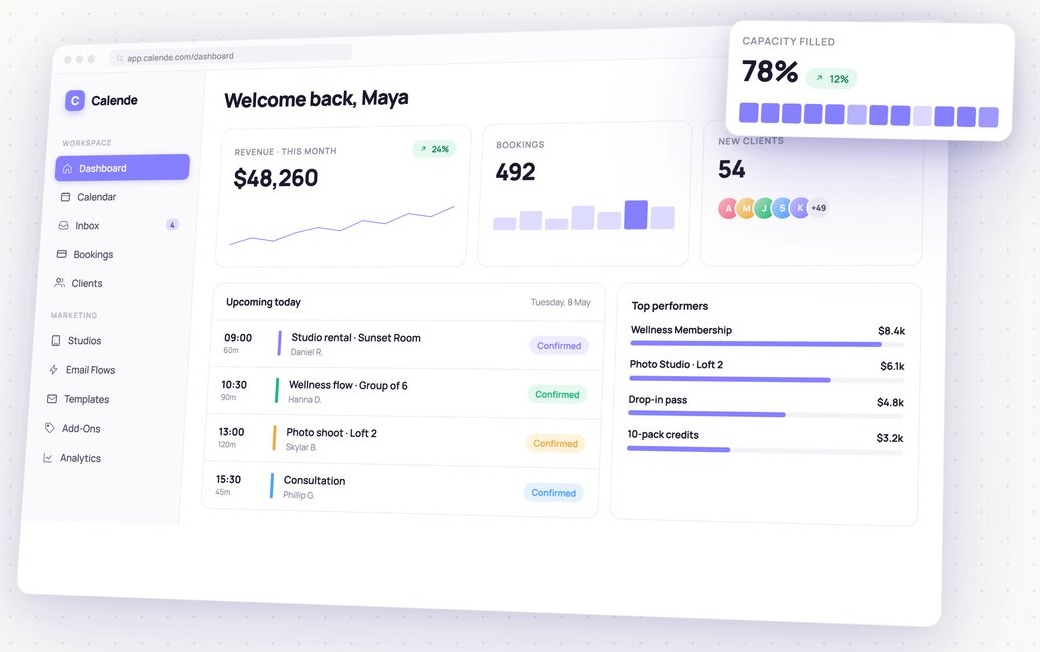
Open Calende to a live snapshot — revenue, bookings, new clients and how full your classes are — plus today's schedule and top performers.
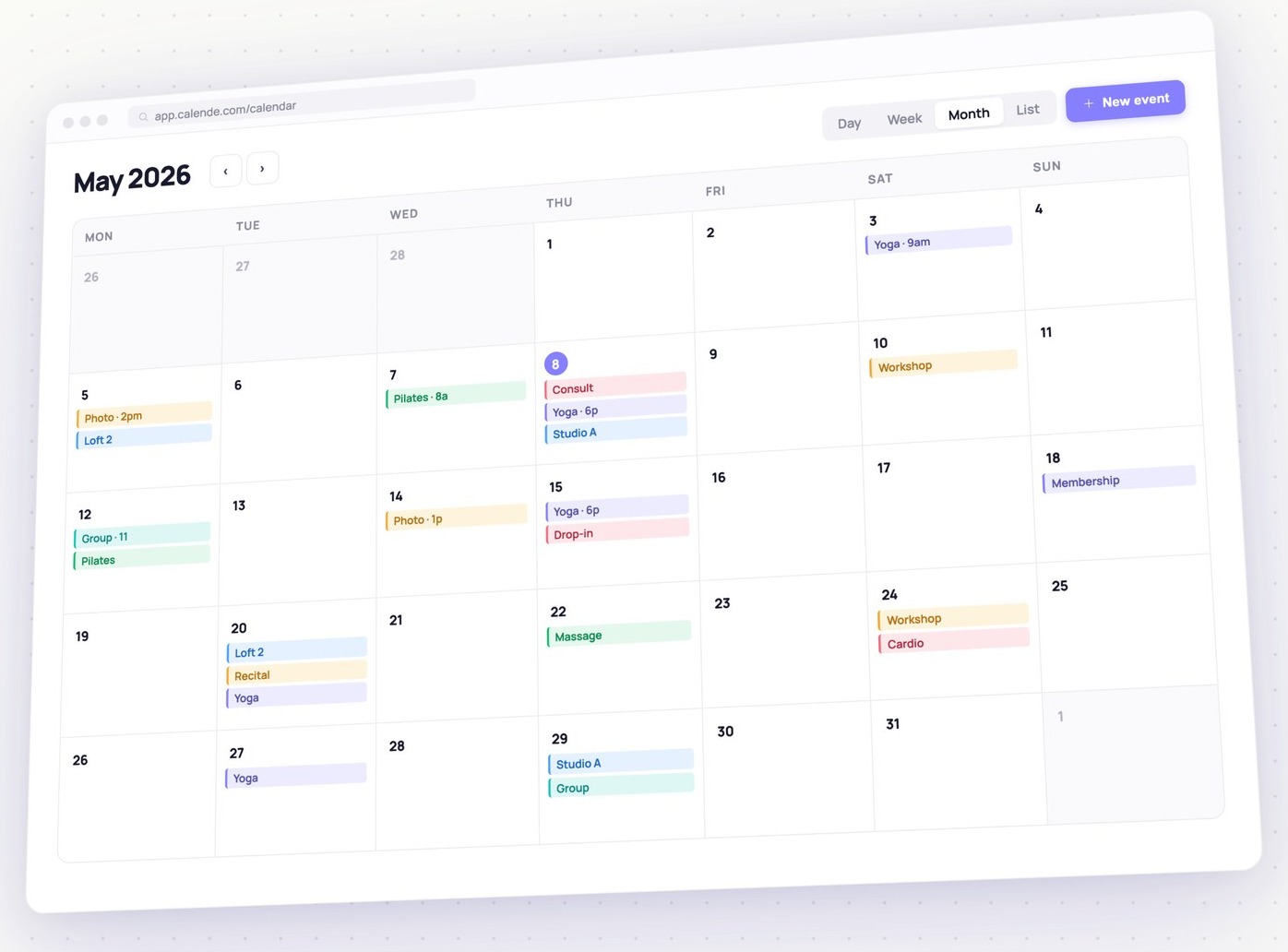
Two-way Google Calendar sync, capacity limits and waitlists, and every studio, room and staff member in one live view — day, week or month.
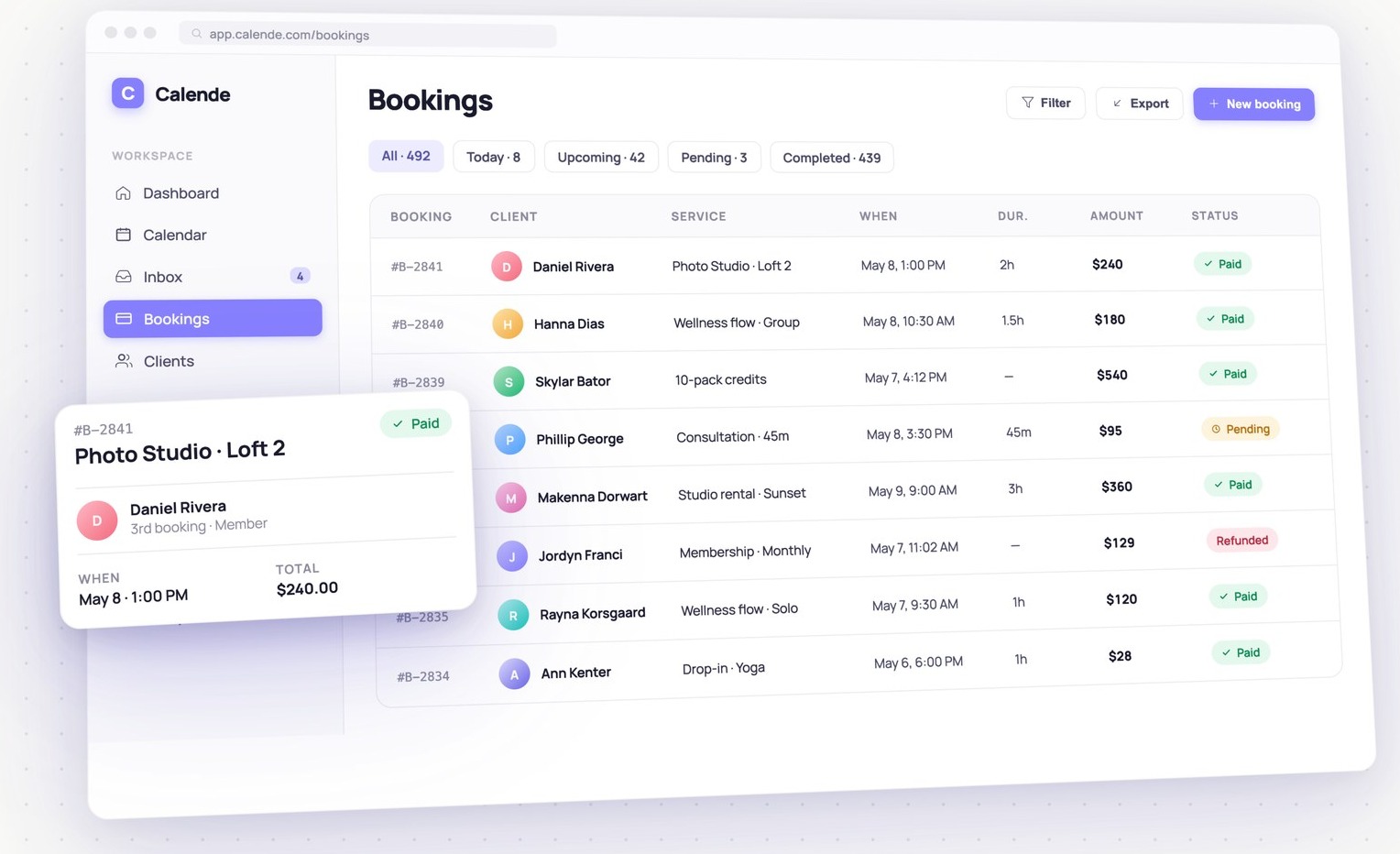
Every reservation in one place with live payment status — paid, pending or refunded. Clients pay at checkout through your own Stripe account.
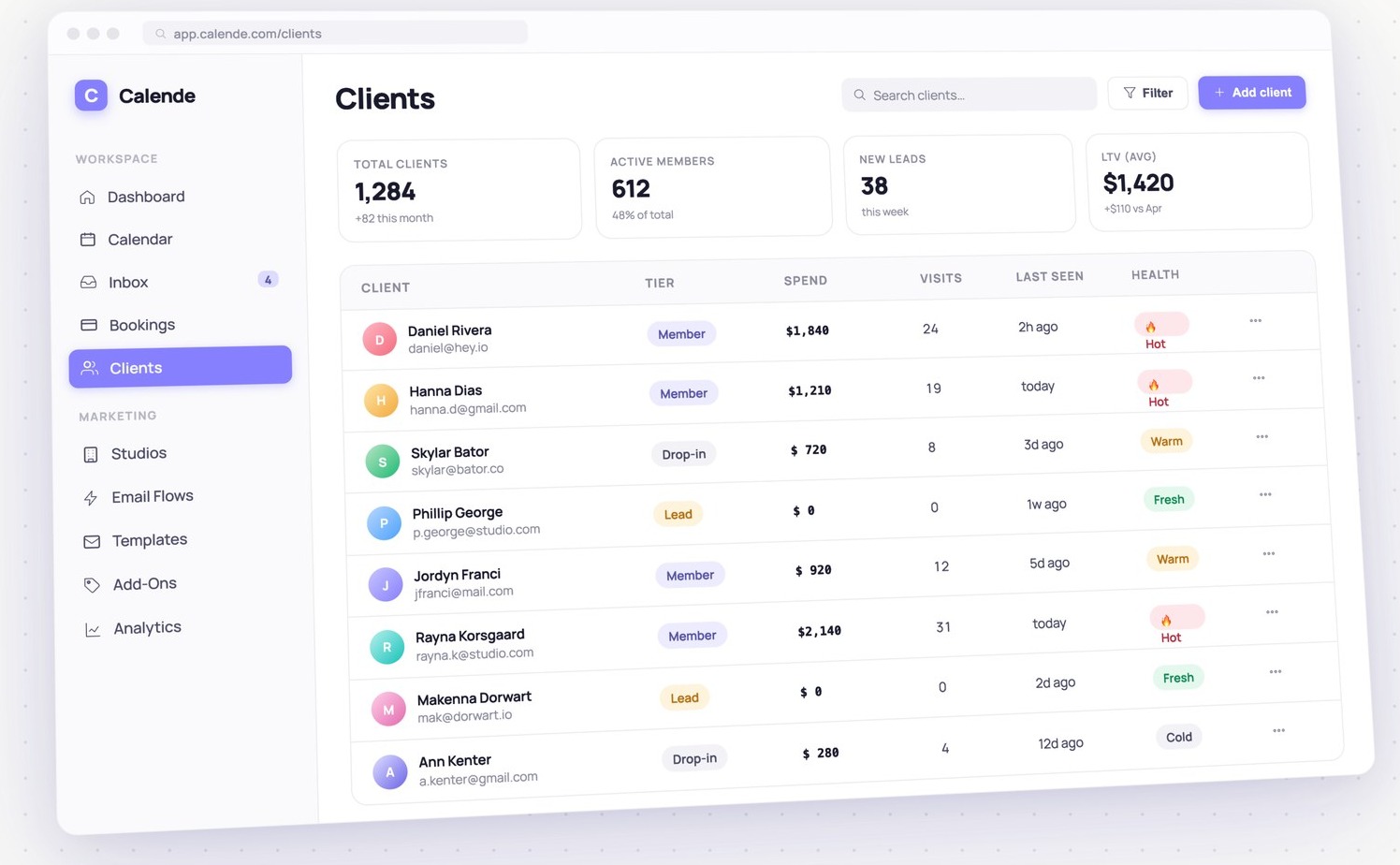
A complete record for each client — tier, spend, visits, last seen and a health score that flags who's hot, cooling off, or a fresh lead.
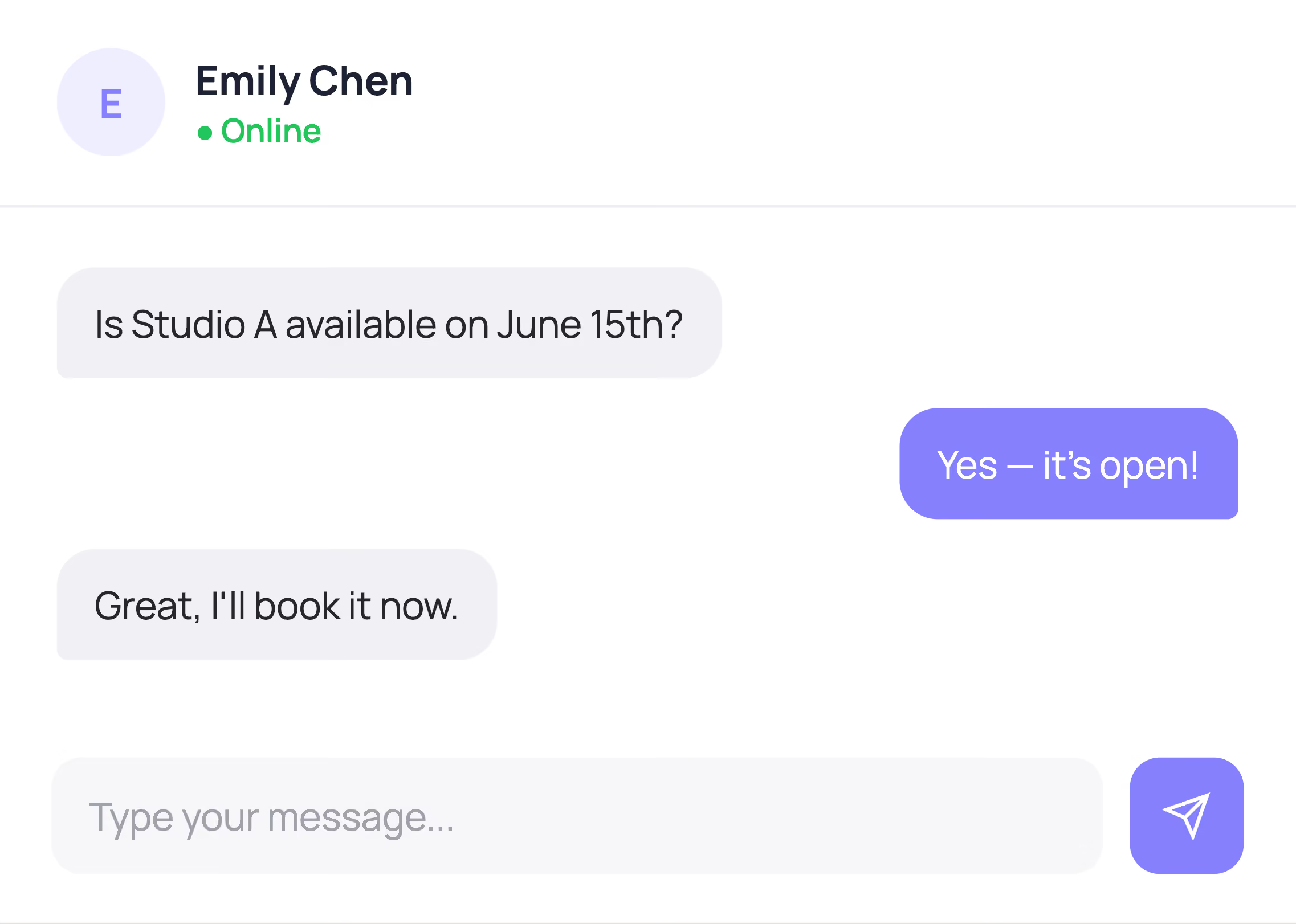
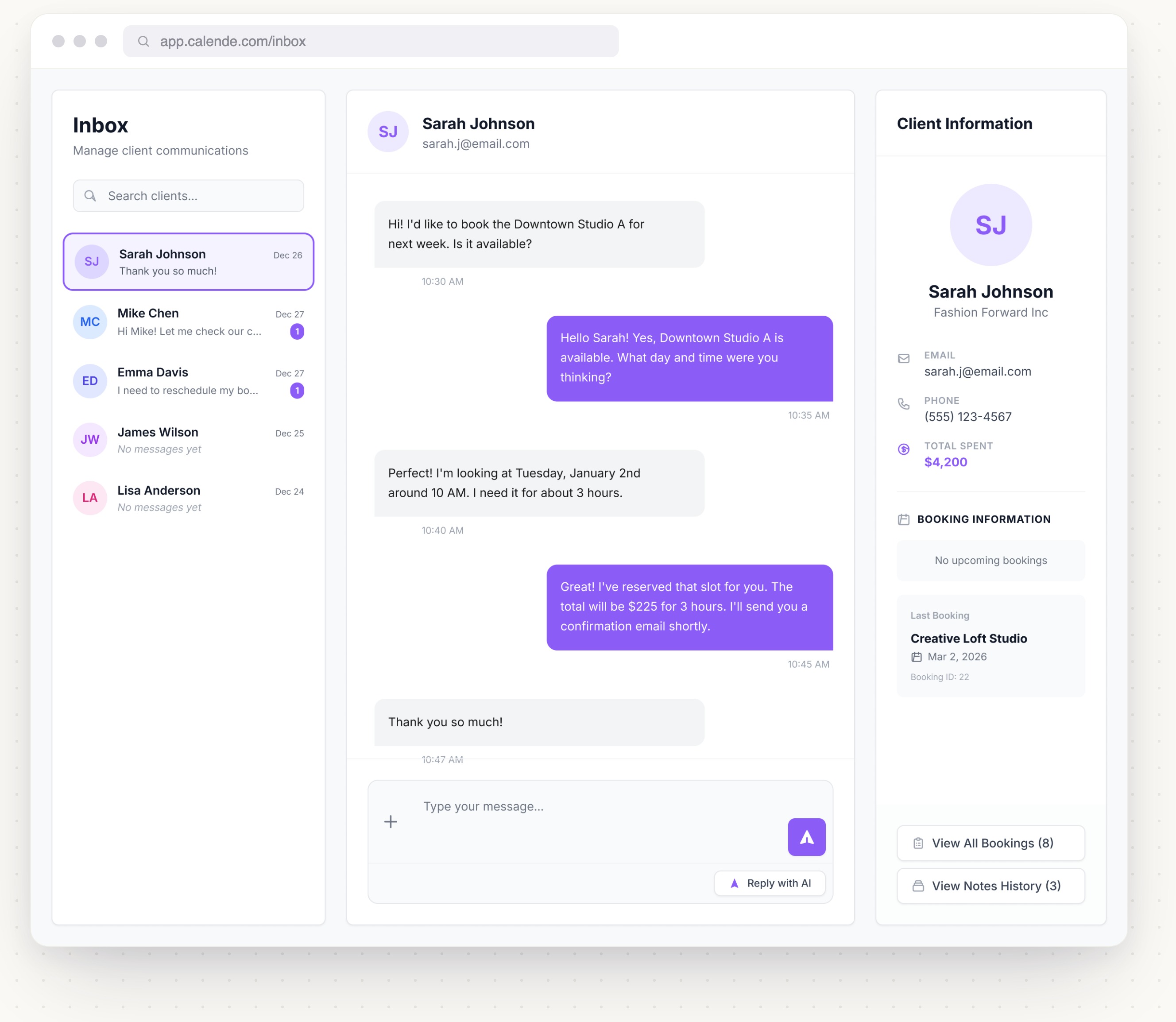
A simple, message-style inbox with each client's profile and their upcoming and past bookings right beside the thread.
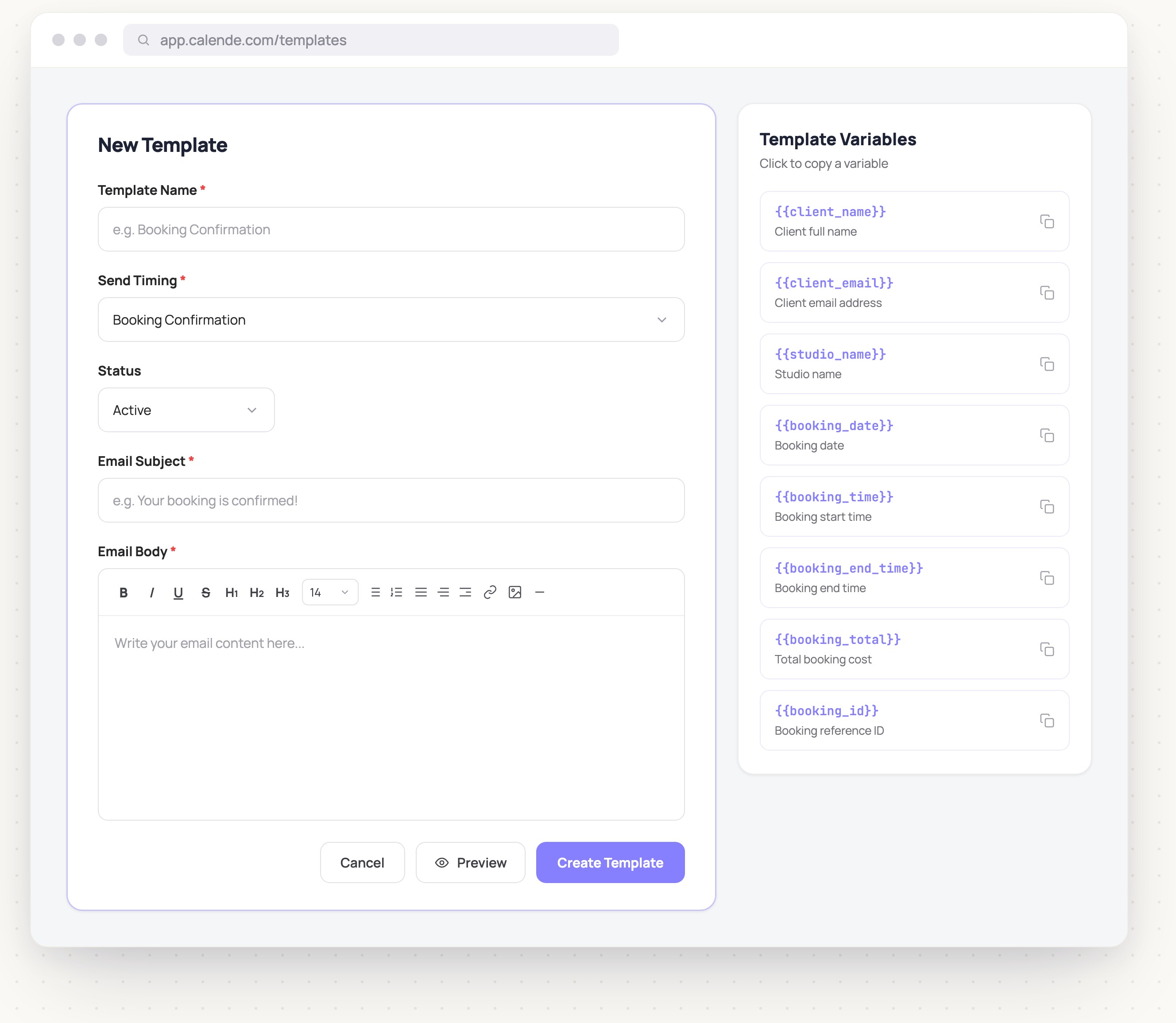
Confirmations, reminders and follow-ups go out as customizable dynamic emails — each one auto-fills the client's name, class, time and price.
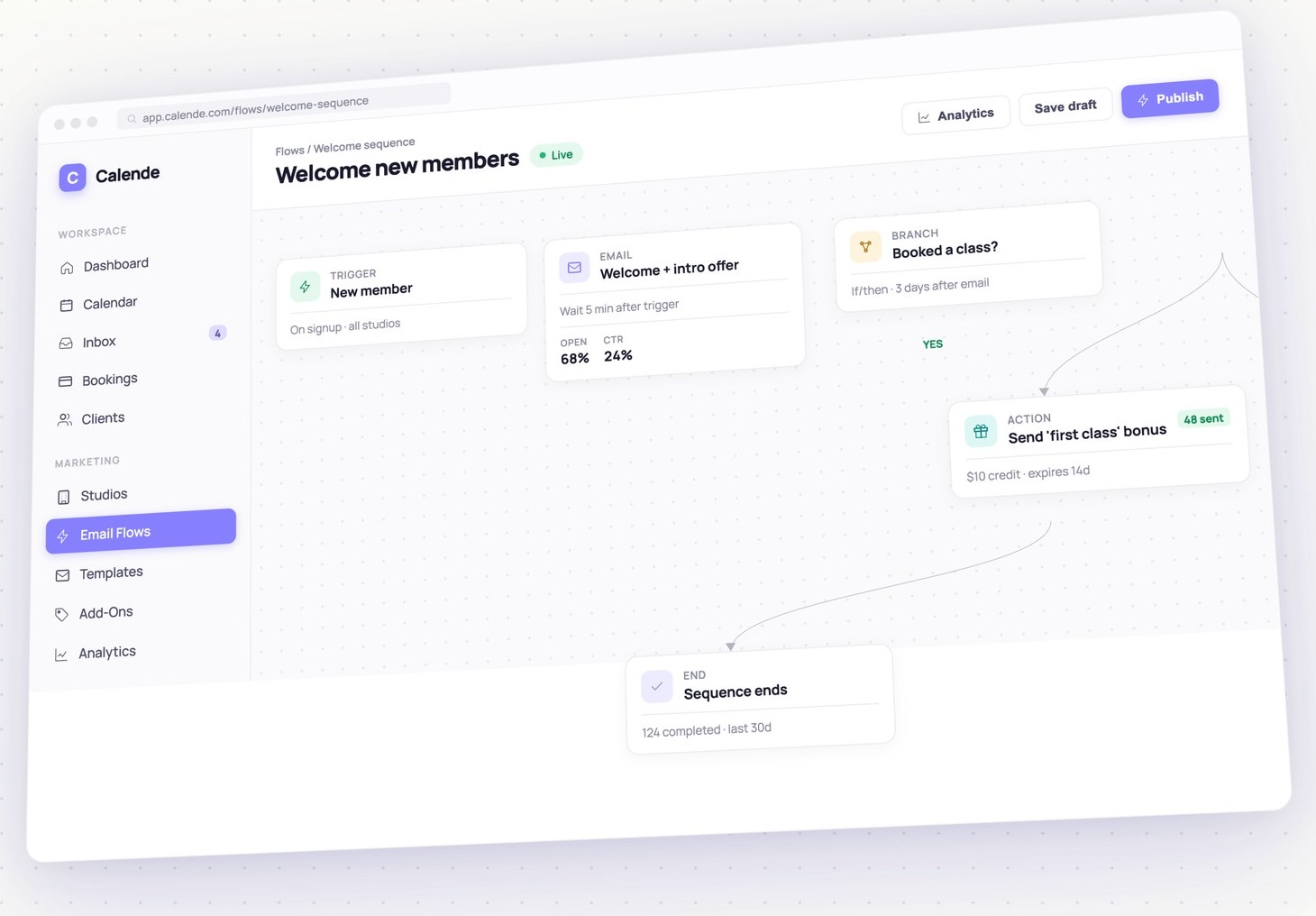
Build automated journeys visually — a trigger, a wait, an email or SMS, a branch on what the client did. Welcome, win back and follow up hands-free.
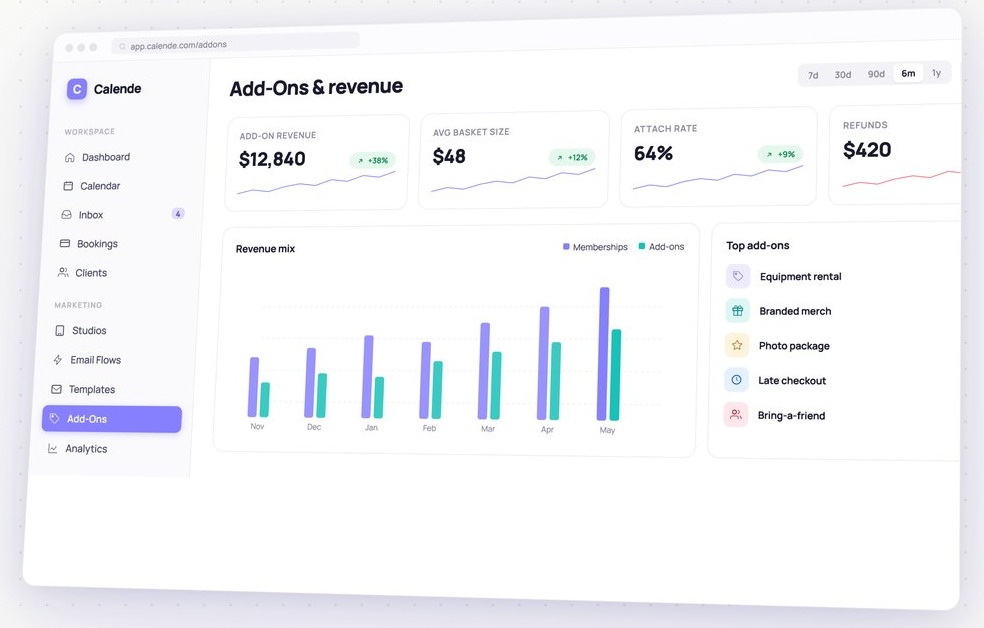
Offer equipment rental, branded merch, photo packages and more at checkout — then watch attach rate, basket size and add-on revenue climb.
Run the whole platform on your own domain, send emails from your own address, and paint every screen in your colors. Your clients never see Calende — they see you.
Quick solutions for booking, payments, and scheduling.
Launch your booking page in minutes. Clients see your availability and book instantly—no emails needed.
Yes, you can collect full or partial payments upfront. All transactions are secure and automatic.
Yes, you can add multiple locations and services and manage everything from one dashboard.
Clients receive automatic email and SMS reminders to help reduce no-shows.
Connect Google Calendar for real-time two way sync to keep your schedule updated and avoid double bookings.
Support is available by chat and email for setup, troubleshooting, or questions.
Need more help? Contact our support team.