Create your studio account
1:28 video · For owners
Why it matters
Setting up Calende is free and takes a few minutes. You get your own booking site address, in your brand, before you pay anything.
Step by step
- Go to app.calende.io and click create a new account.
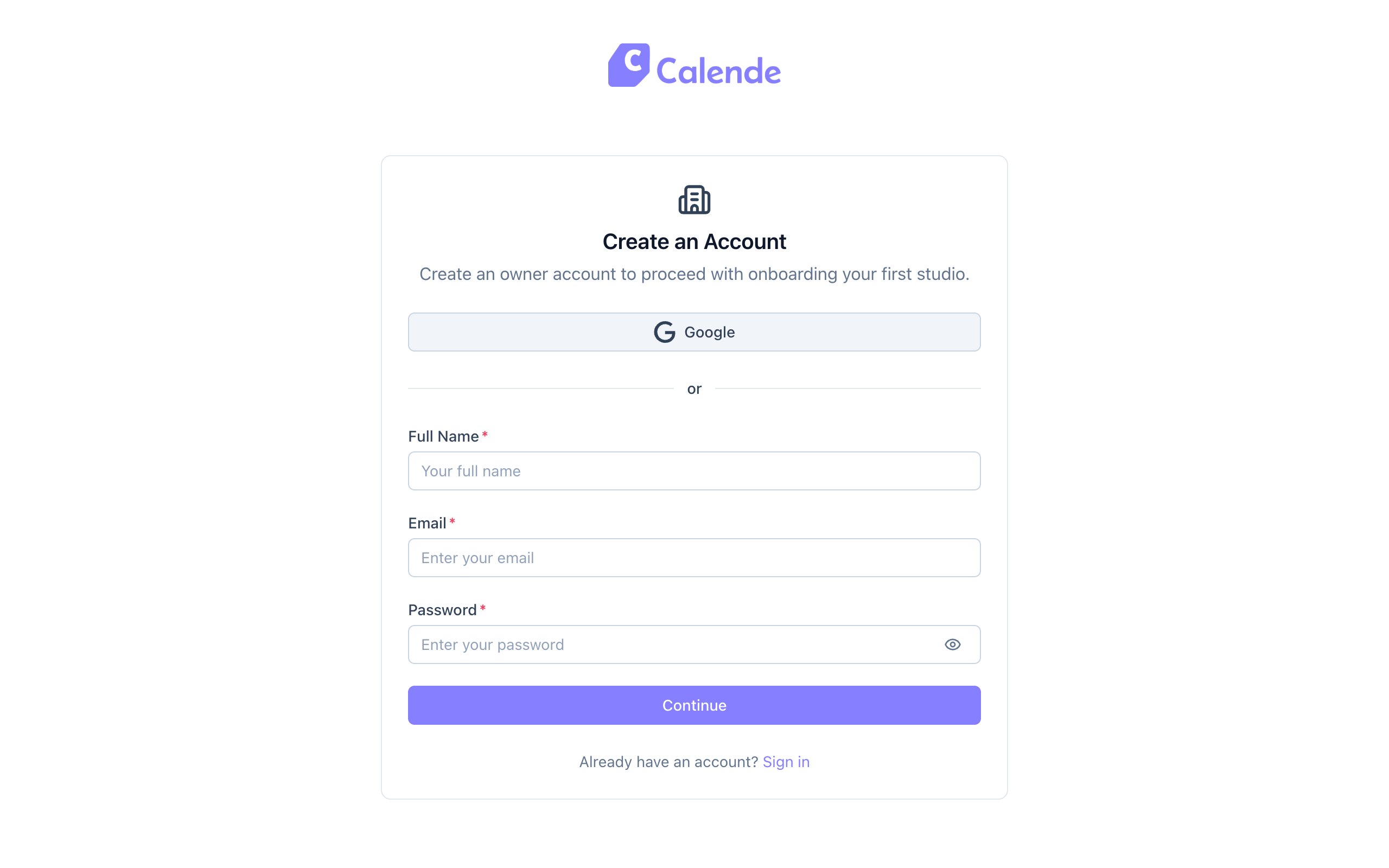
- Enter your name, email and a password, then click Continue. You can also sign up with Google.
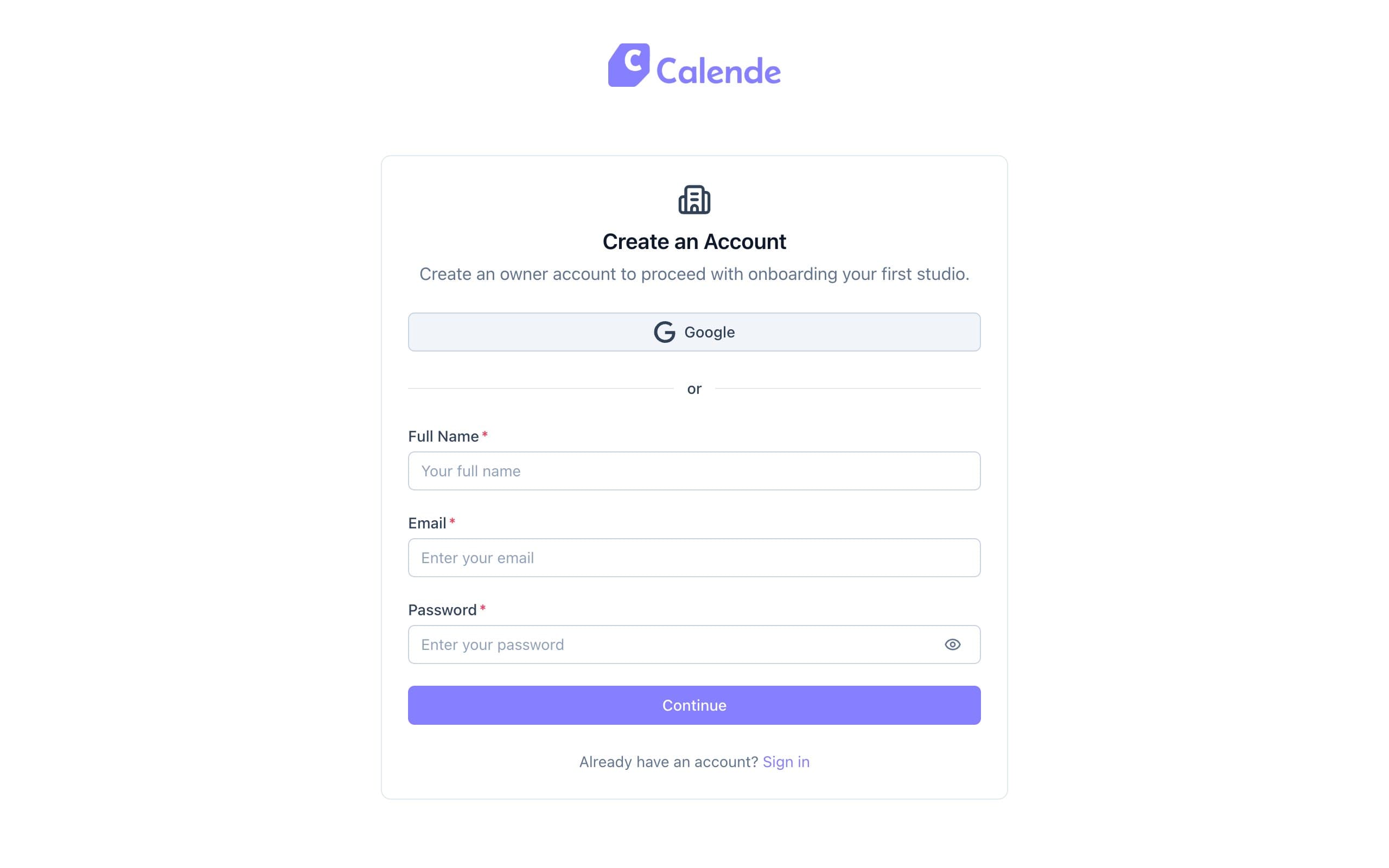
The owner sign-up page at app.calende.io. - Click the confirmation link Calende emails you.
- Under Set up your business, enter your business name and click Continue.
- Add your logo, accent colour and a Support Email, then click Continue to domain.
- Pick a subdomain on the Dedicated subdomain tab, or use the Custom domain tab for a domain you own.
- Click Launch and keep the tab open. Calende sets up your site and its security certificate, usually in a minute or two.
- Your new admin asks you to verify your phone number. Enter it, tick the box to agree to texts, click Send code, then type in the code you get by text.
Good to know
- A support email is required. It appears on every email your clients receive.
- Your studios stay hidden until your plan is active, but you can build everything for free first.