Your brand: logo, colours and support email
0:59 video · For owners
Why it matters
Your booking site, emails and browser tab should look like your studio. Brand settings make every screen and email yours.
Step by step
- Click Settings, then Open Brand Settings.
- Set the Display Name, Accent Color (Light), Accent Color (Dark) and Support Email, then click Save changes.
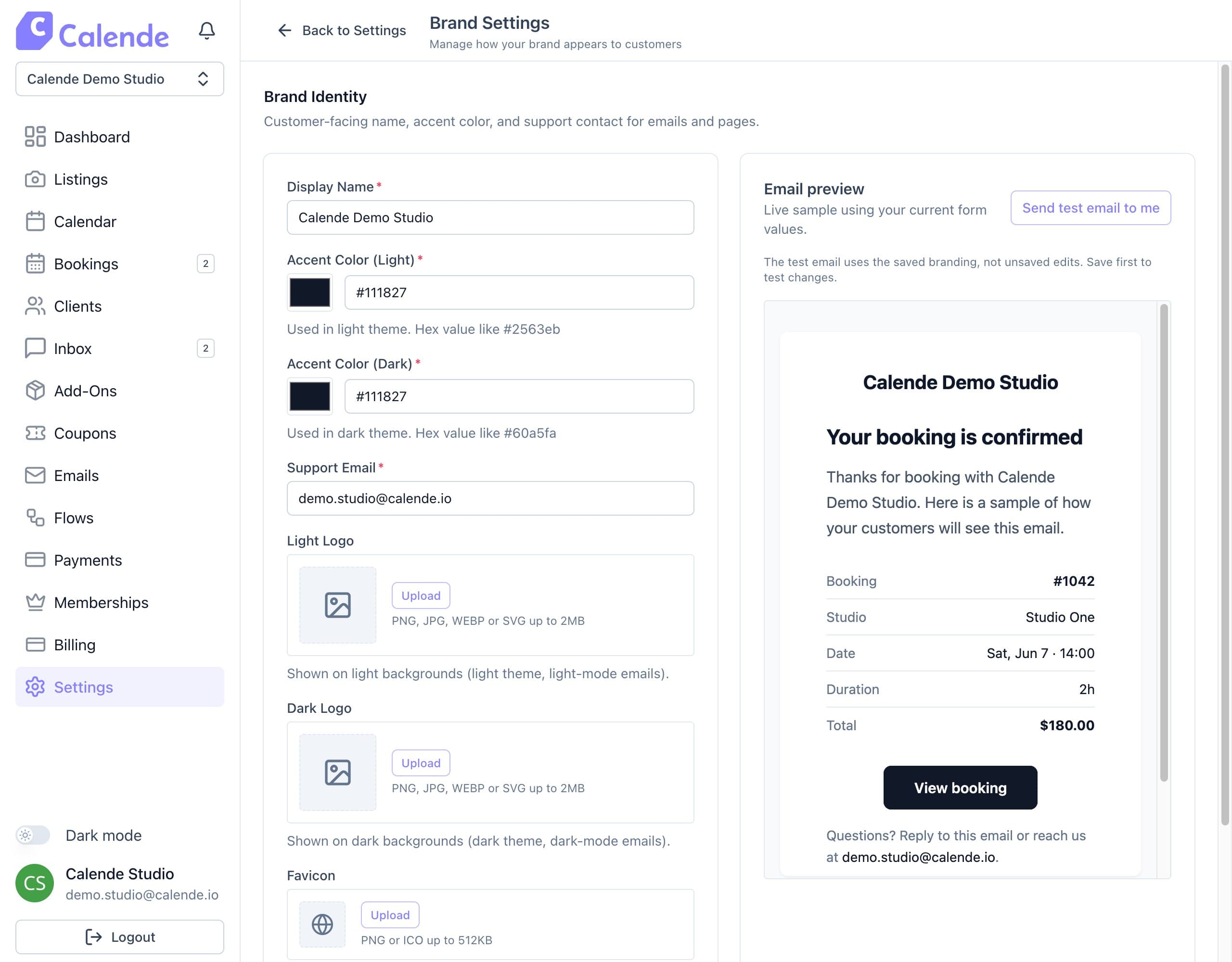
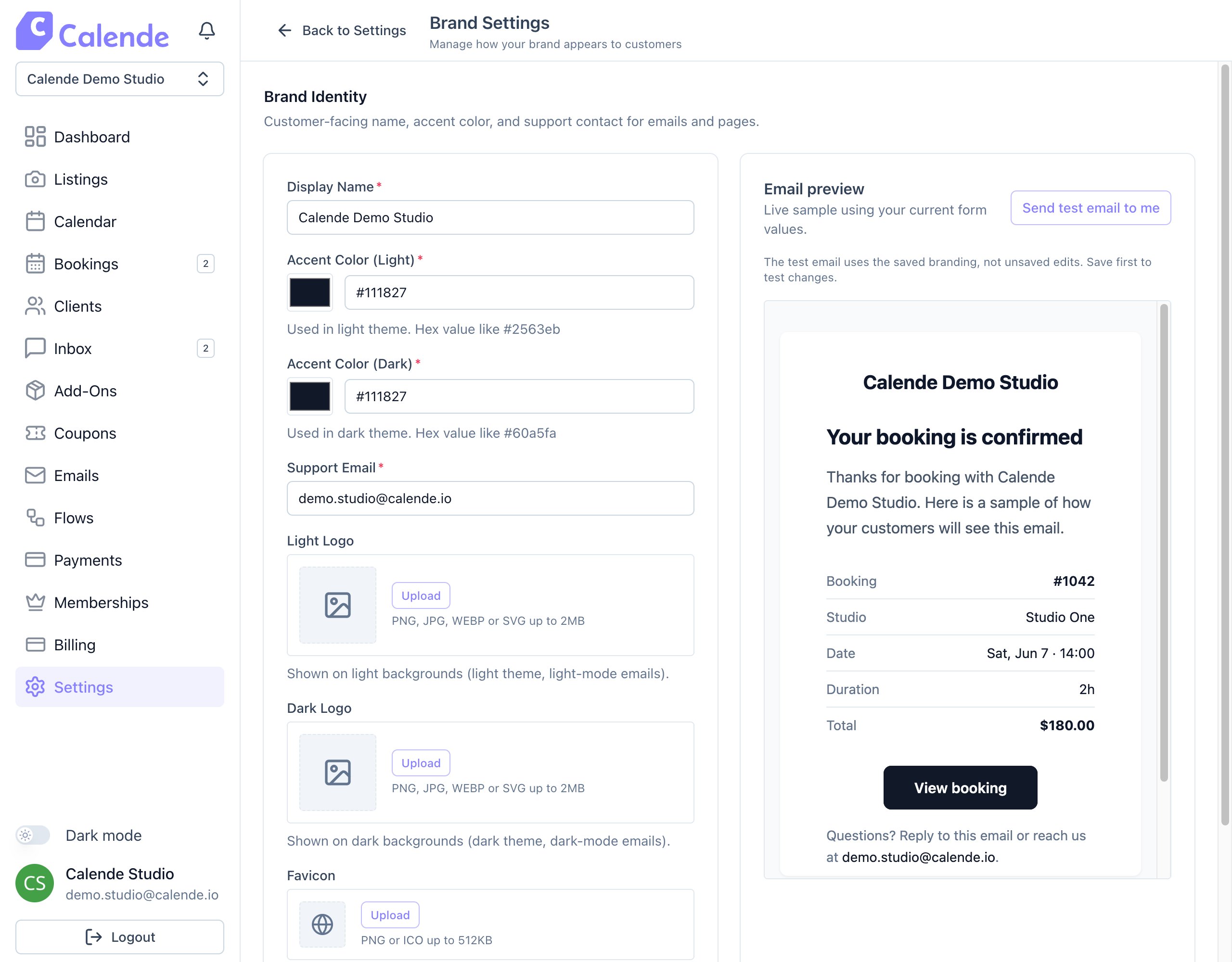
Brand Settings, with a live email preview on the right. - Upload a Light Logo, Dark Logo and Favicon. Uploads save straight away.
- Click Send test email to me to check an email in your inbox.
Good to know
- Use a PNG, JPG or WebP logo.
- Always add a logo, because emails without one fall back to Calende's.
- Avoid very pale accent colours so buttons stay readable.