What your clients see: changing and cancelling
1:05 video · Your clients' side
Why it matters
Clients manage their own bookings from My Bookings. Knowing what they see helps you answer their questions.
Step by step
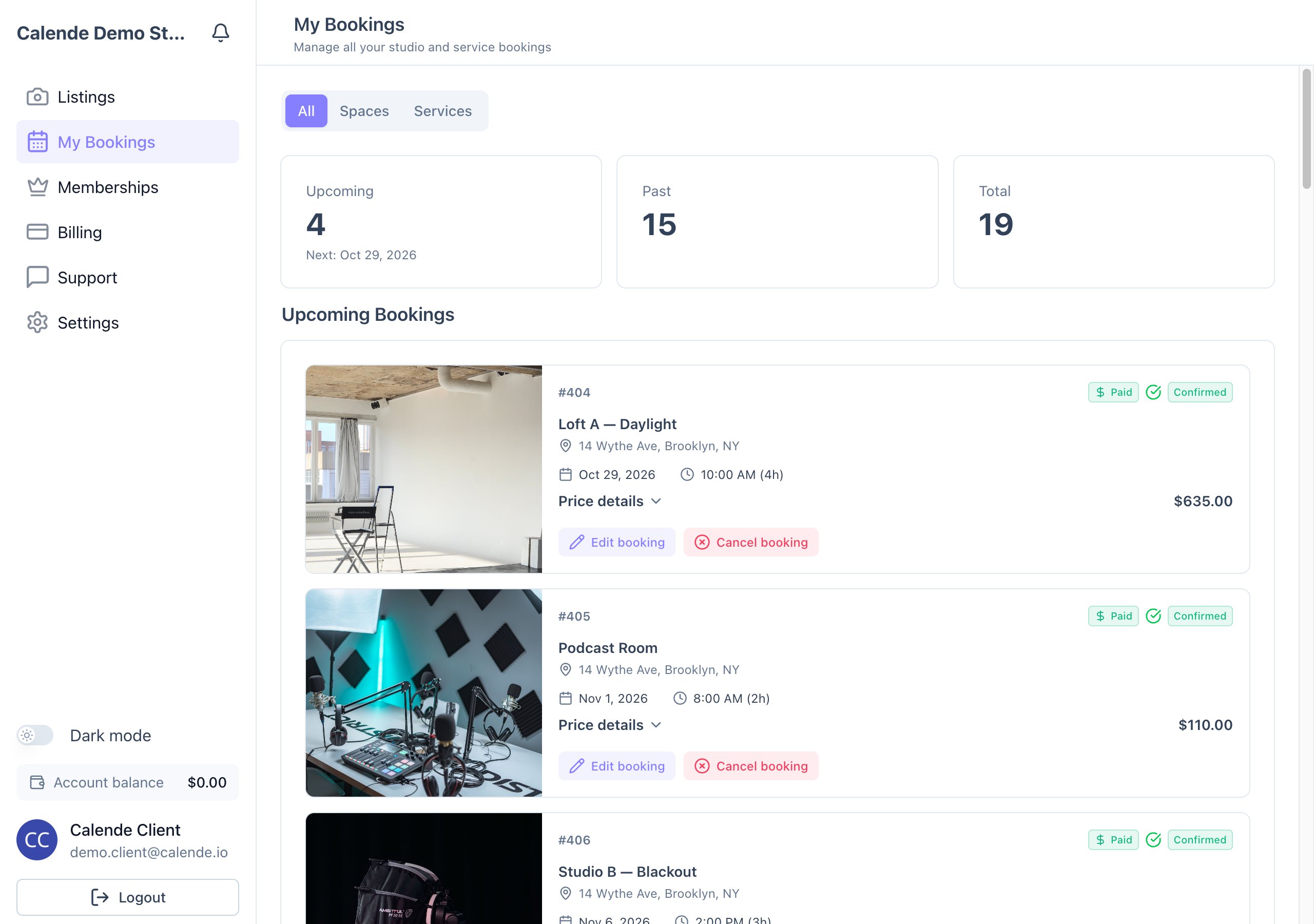
- Clients open My Bookings to see each booking's status, price details and payments.
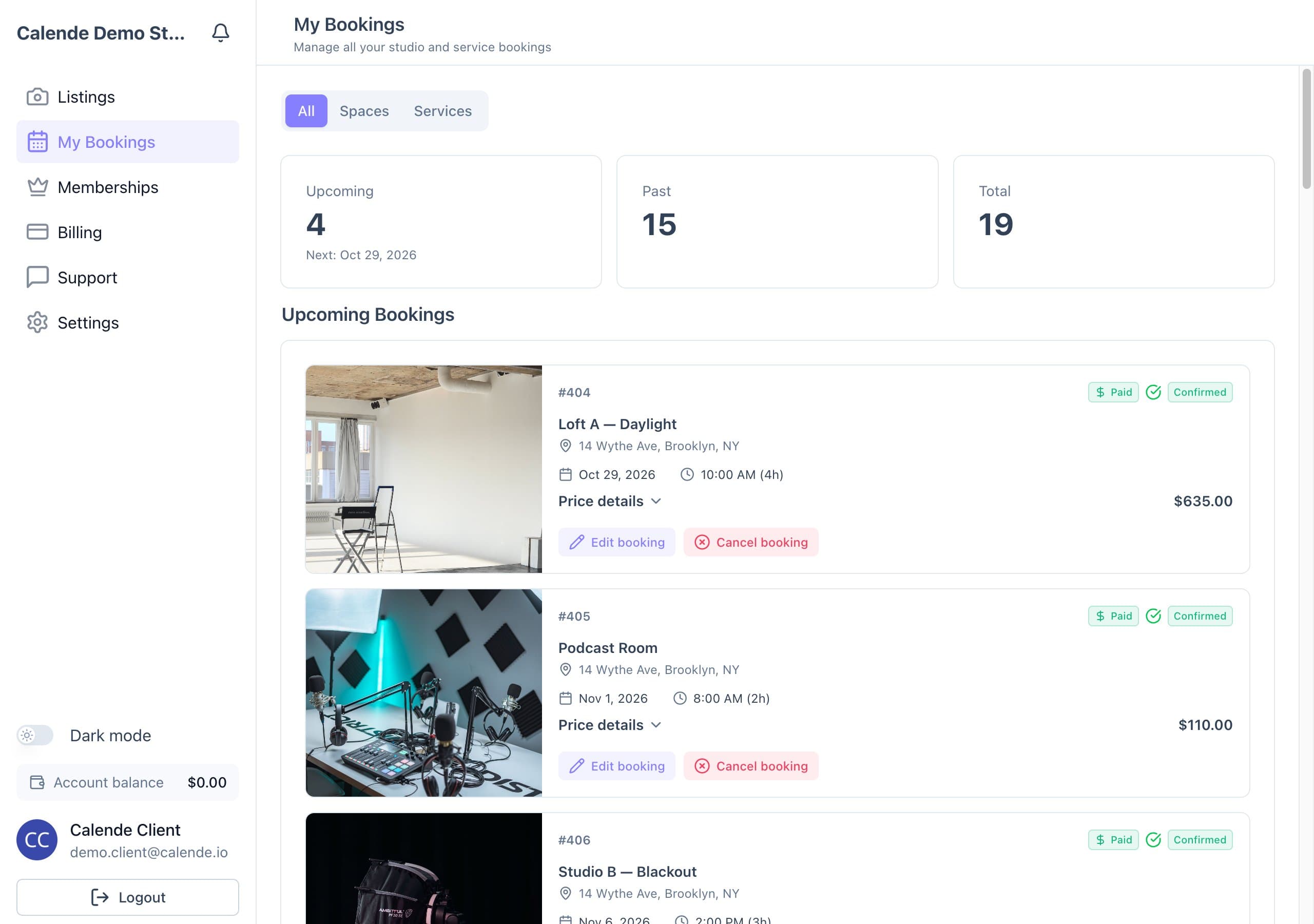
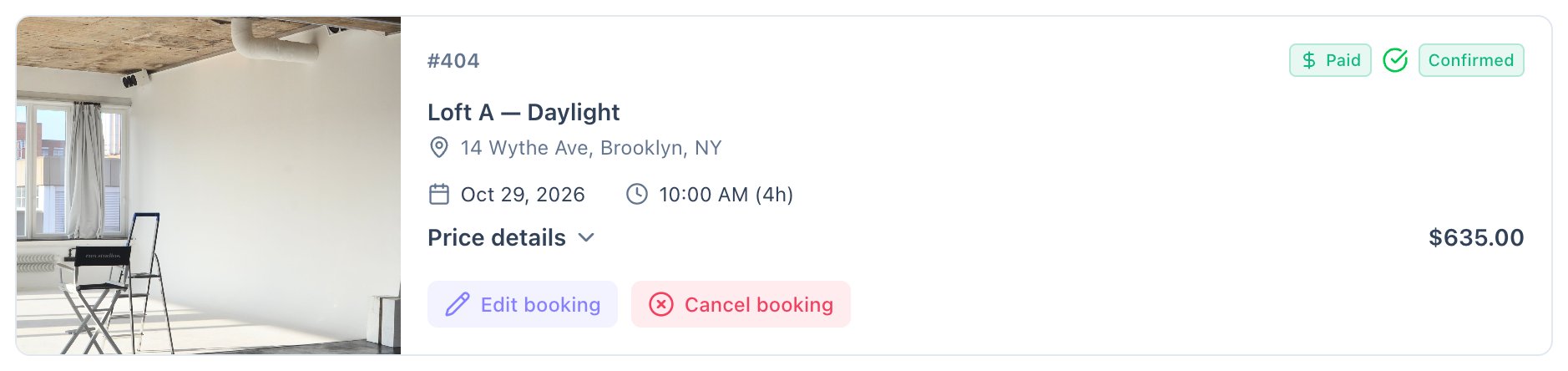
My Bookings, as clients see it. - View instructions shows your booking instructions once they're released.
- Pay Remaining Balance pays what's left with their saved card.
- Edit booking moves the booking or changes the hours under your edit policy, showing any extra charge or refund first.
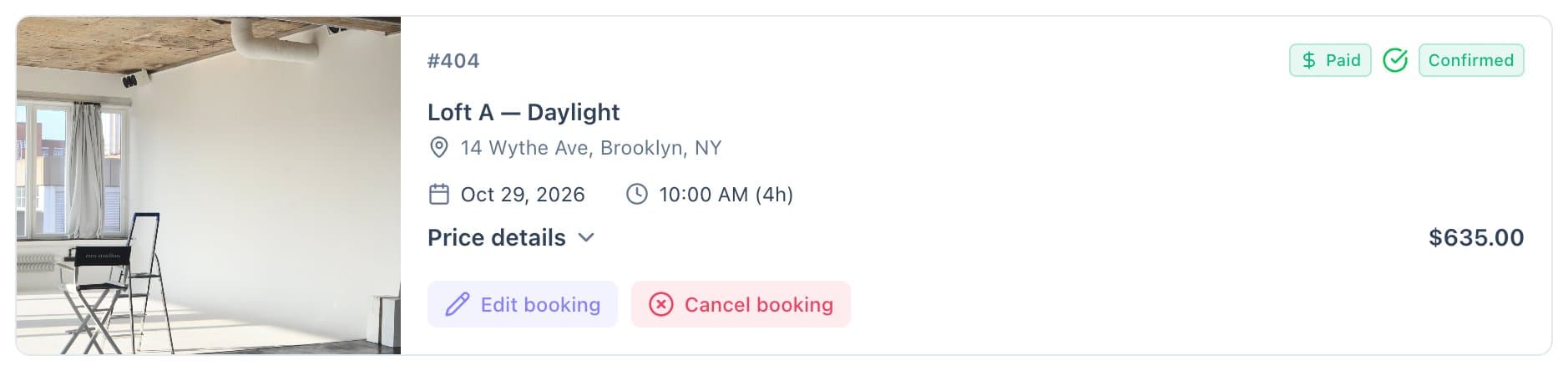
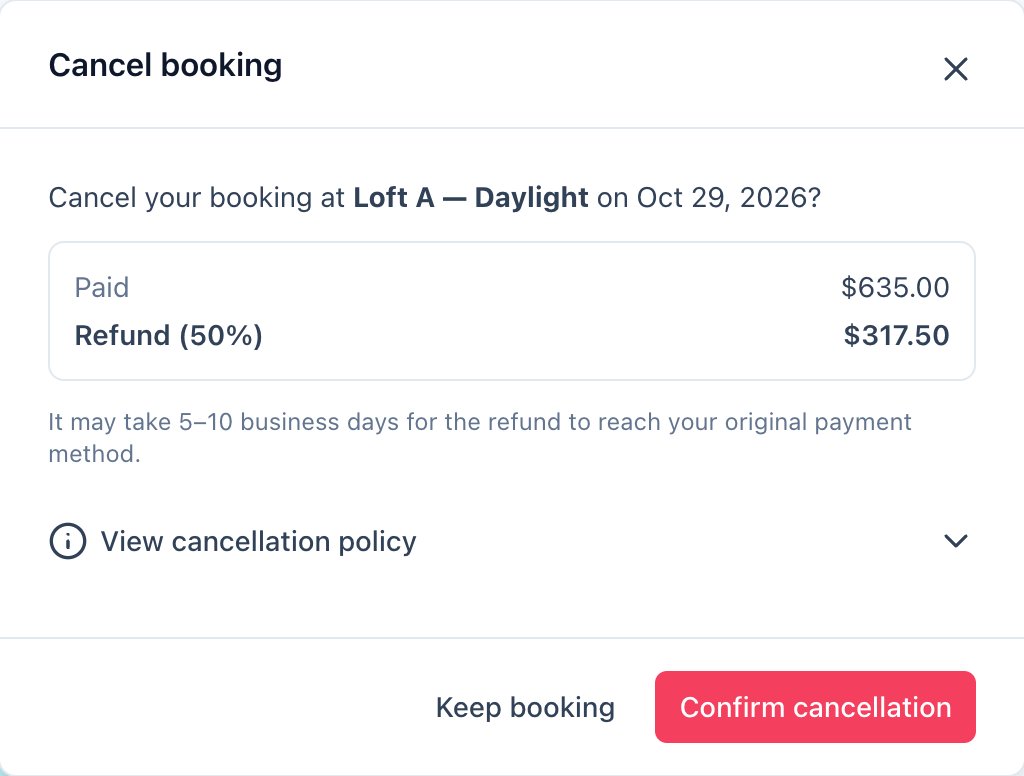
Each booking card has Edit booking and Cancel booking when your policies allow. - Cancel booking shows exactly what they'll get back and, if you allow it, lets them choose card or account balance.
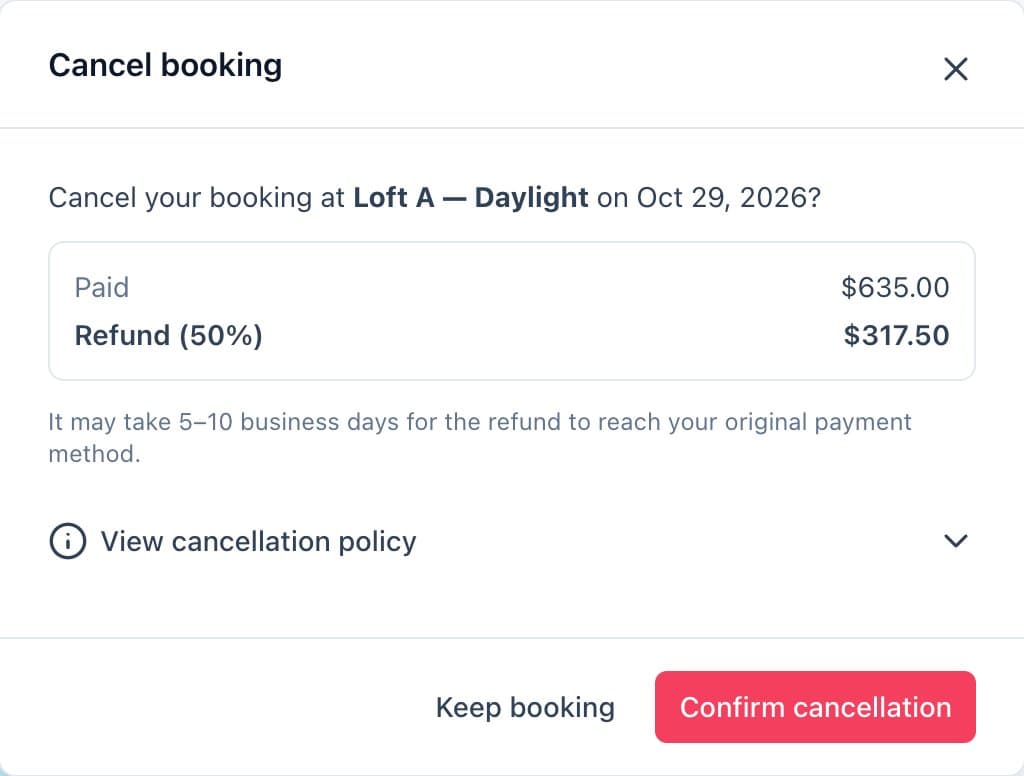
The client's cancel window shows the refund before they confirm.
Good to know
- These buttons appear only when your policies allow them.
- Without a policy, clients are asked to contact you.