Follow-ups: thank-yous, reviews and rebooking
1:00 video · For owners
Why it matters
The best time to ask for a review, or the next booking, is right after a great session. Follow-up emails do the asking for you.
Step by step
- In Emails, choose a room and click Create Template.
- Set Send Timing to 1 Hour After Completion for a thank-you with a review link.
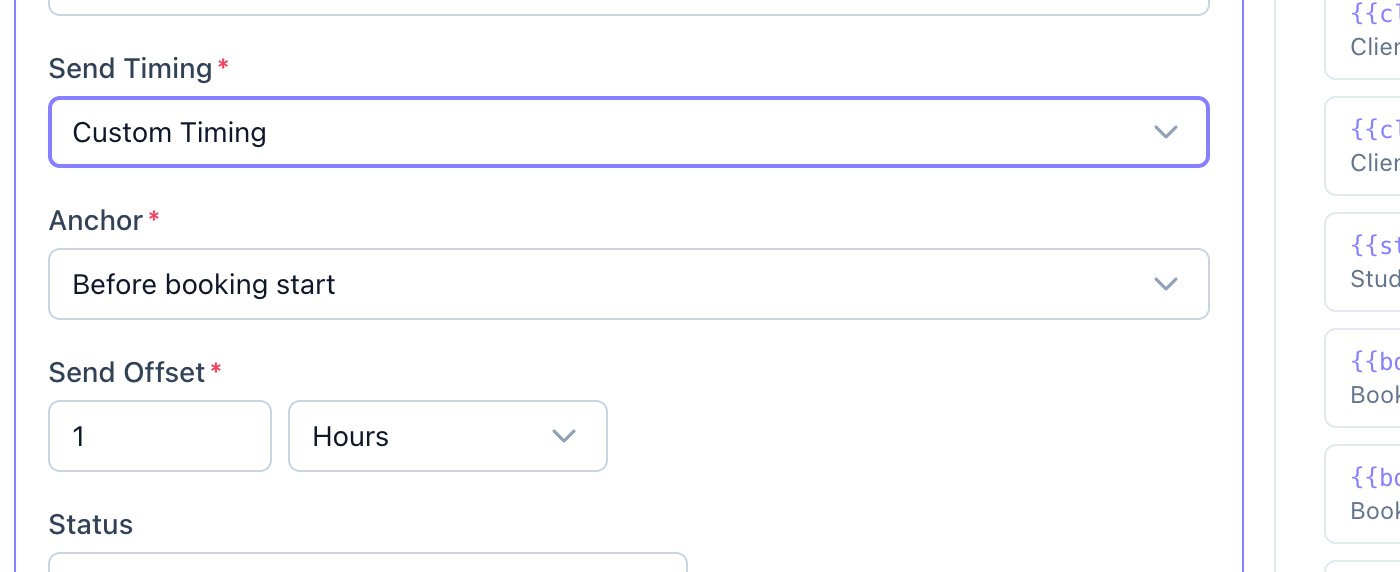
- For anything else, choose Custom Timing, pick an Anchor and a Send Offset, for example 14 days after completion.
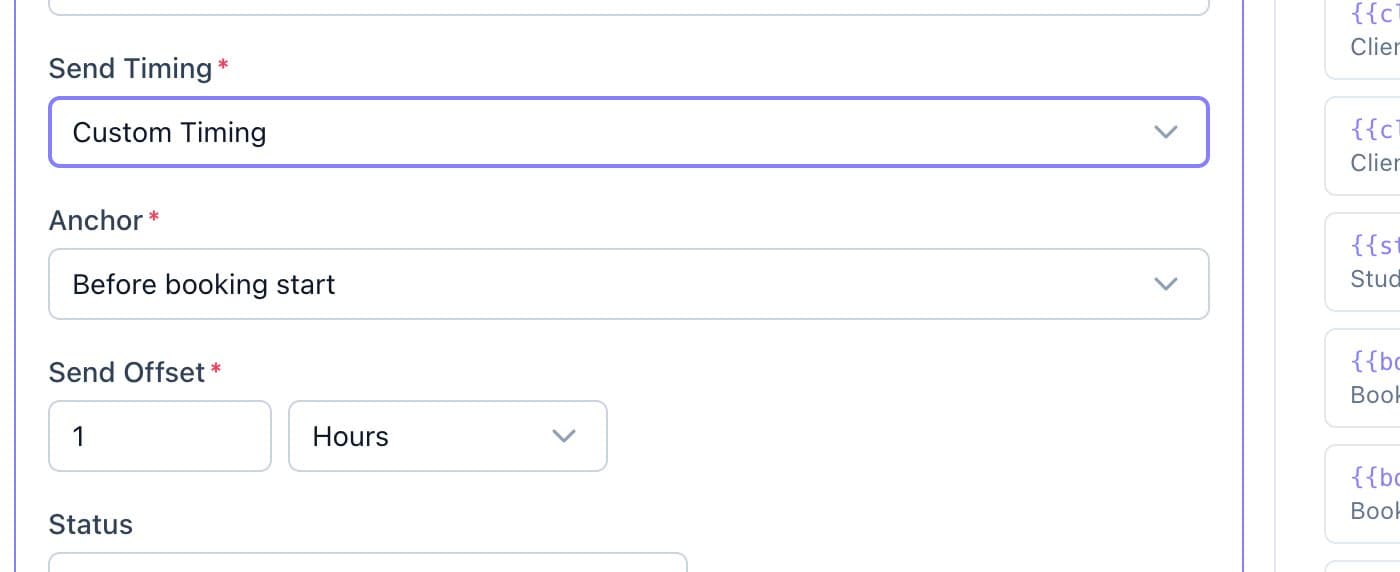
Custom Timing: pick an anchor and a send offset. - Write the email, then click Create Template.
Good to know
- After-completion emails go to bookings Calende has marked completed, which happens automatically once the session ends.
- Set a template to Inactive to pause it without deleting it.