Store credit: grant, deduct and refund to credit
0:54 video · For owners
Why it matters
A refund to a card is money gone. A refund as store credit is a future booking.
Step by step
- Click Clients and open a client's profile.
- Under Account balance, click Grant, enter an amount and a reason, and click Confirm.
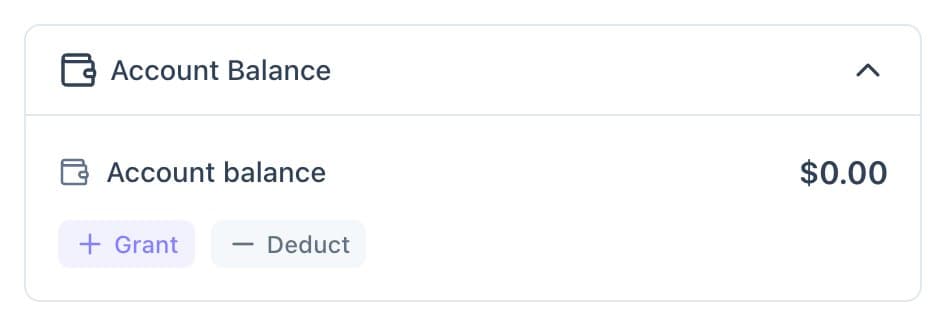
Account balance on a client's profile, with Grant and Deduct. - Click Deduct to take credit back off. Every change is logged.
- When cancelling a booking, choose Account credits under Refund to to refund as credit.
Good to know
- Clients see their balance at checkout and tick a box to use it.
- You can make account credits the refund option in your refund policy.