Book on behalf of a client
1:05 video · For owners
Why it matters
Not everyone books online. Booking for a client yourself keeps phone and walk-in bookings in the same calendar, payments and history as everything else.
Step by step
- Click Bookings, then New Booking, then Studio booking or Service booking.
- Choose the room and the client.
- Pick a date, a Start Time and a Duration, plus guests, add-ons and notes.
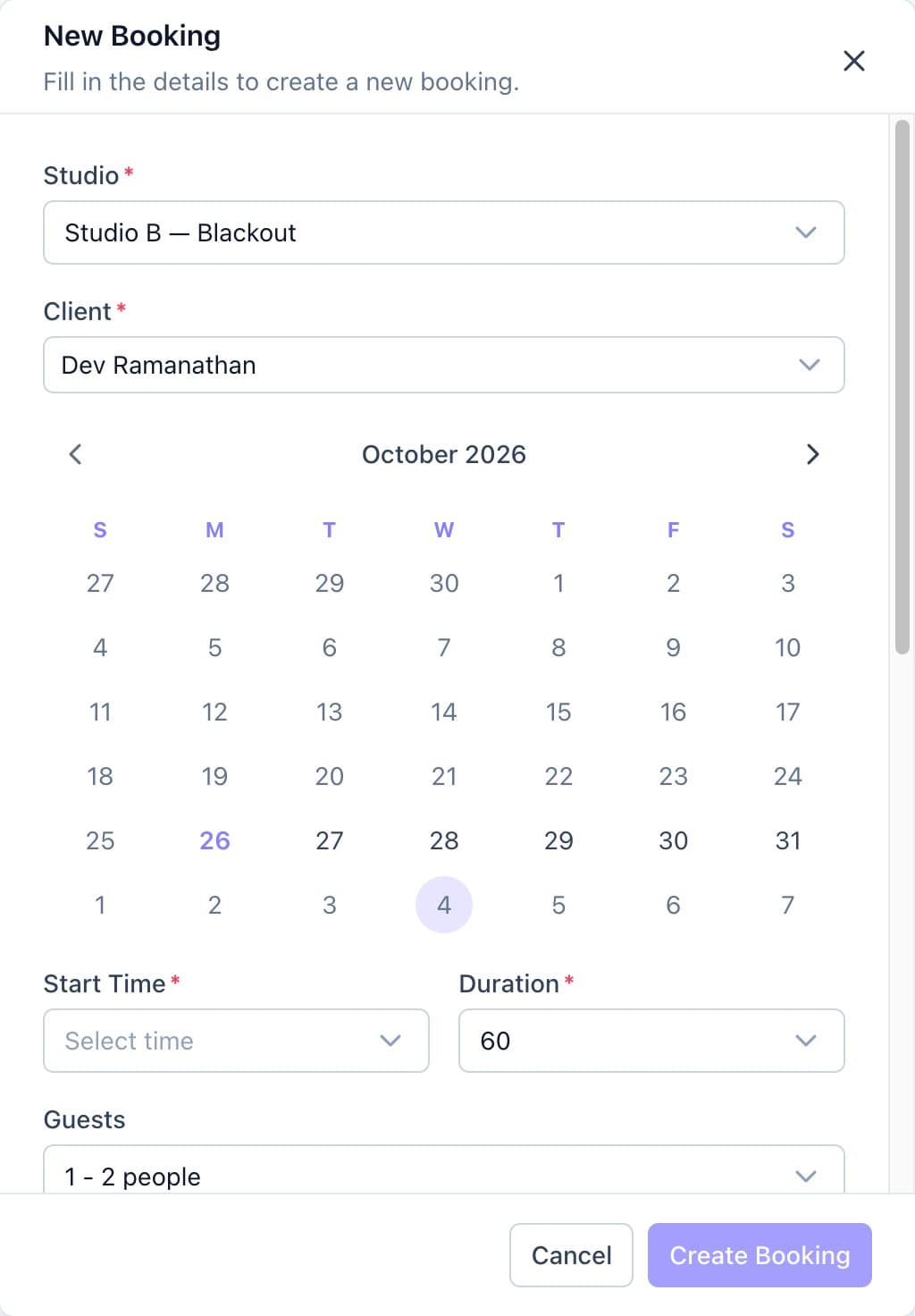
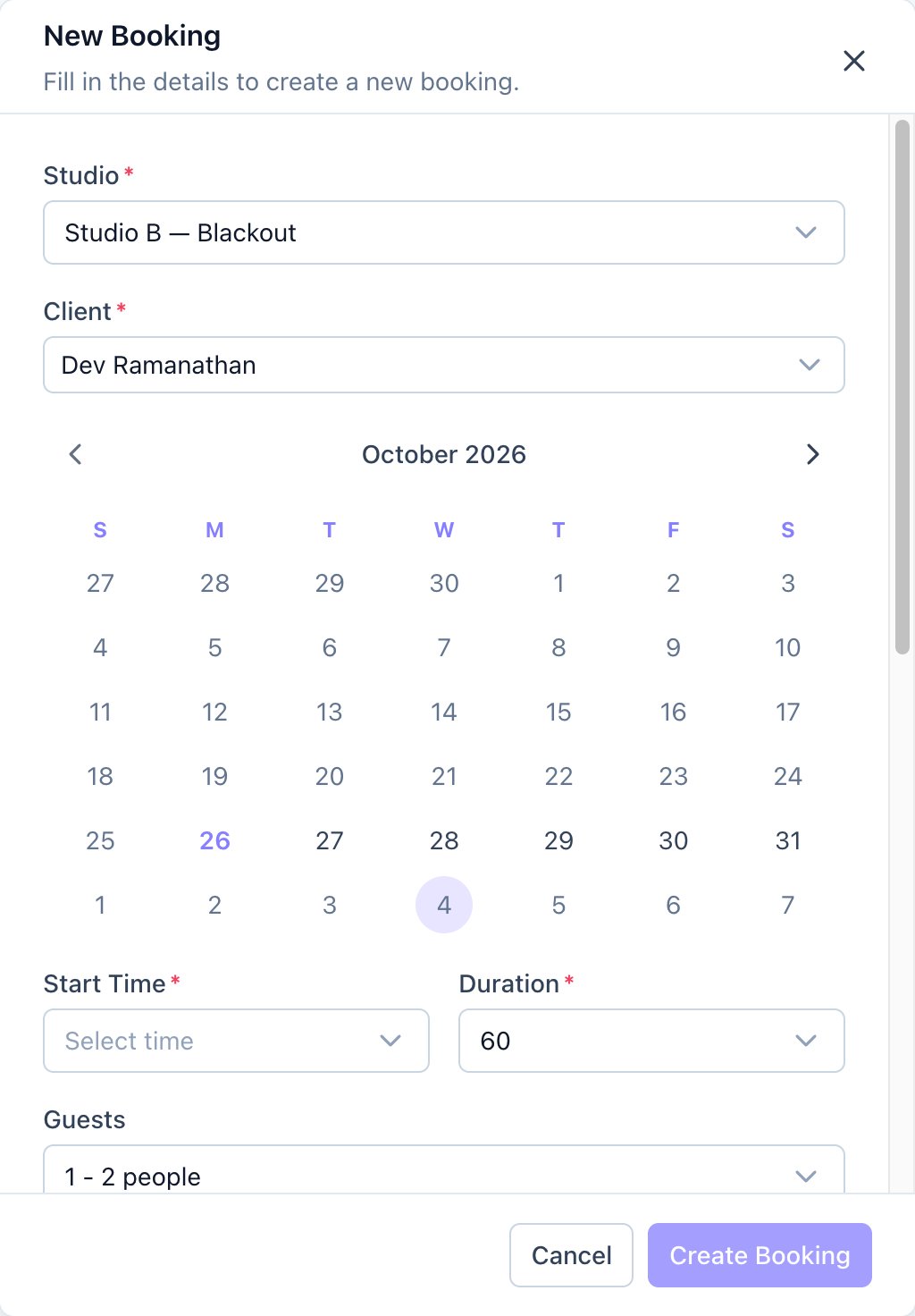
The New Booking form with a room and a client chosen. - Click Create Booking.
- Pay Later rooms confirm straight away. Rooms paid upfront email the client a payment link.
Good to know
- As the owner you can book outside regular hours. Calende flags it so you know.
- For a phone booking on a room paid upfront, ask the client to pay while you're on the call. Unpaid slots are released after 30 minutes.
- You can also start a booking from a client's conversation in Inbox.