Import your existing client list
0:58 video · For owners
Why it matters
Moving from another system? Bring your whole client list with you instead of retyping it.
Step by step
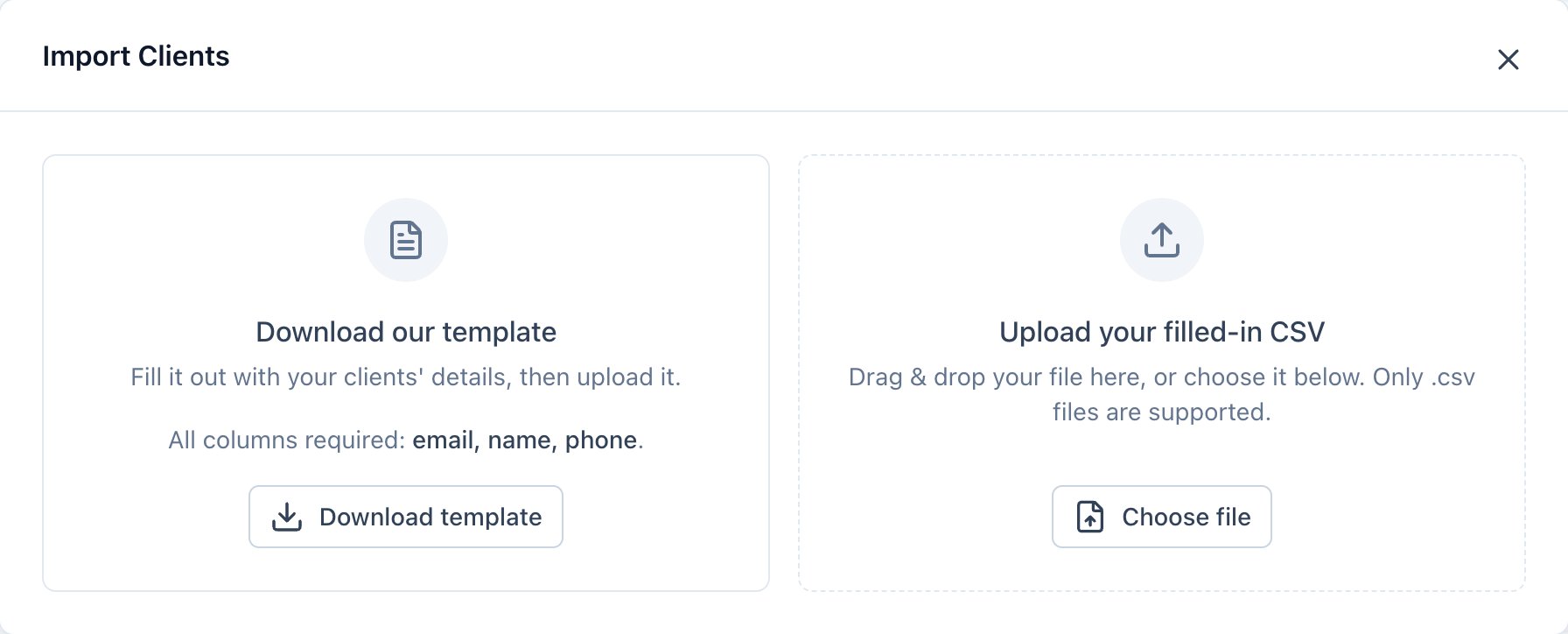
- Click Clients, then Import Clients, then Download template.
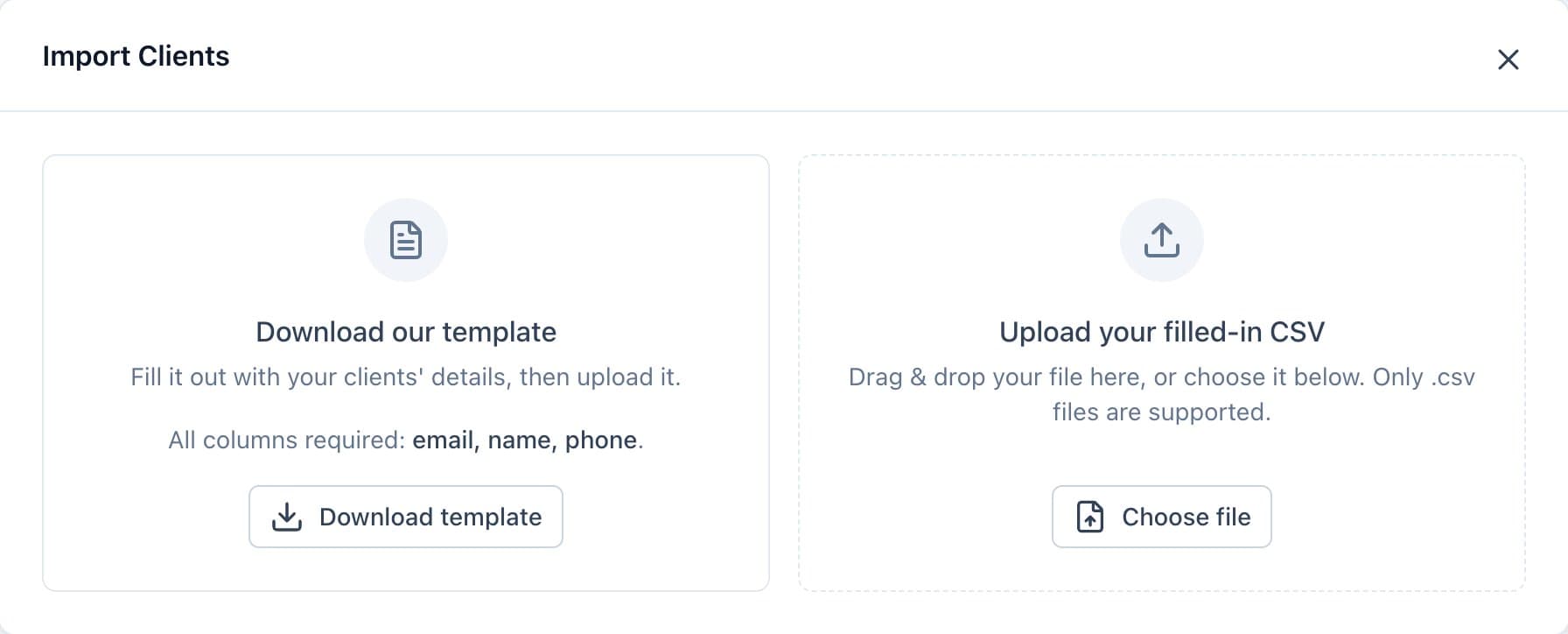
Download the template, then upload your filled-in CSV. - Fill in email, name and phone, plus total spent if you have it, and upload the CSV.
- If your columns have different names, match each field to a column from your file.
- Fix any highlighted cells or drop invalid rows, then click Import.
Good to know
- Clients already in Calende are skipped, never duplicated.
- Each imported client gets an email with a temporary password.
- Phone numbers must be US or Canadian, with up to 500 rows per file.