Message clients from your Inbox
1:08 video · For owners
Why it matters
Client messages end up in texts, DMs and emails. Inbox keeps them in one place, under your brand, next to the client's bookings.
Step by step
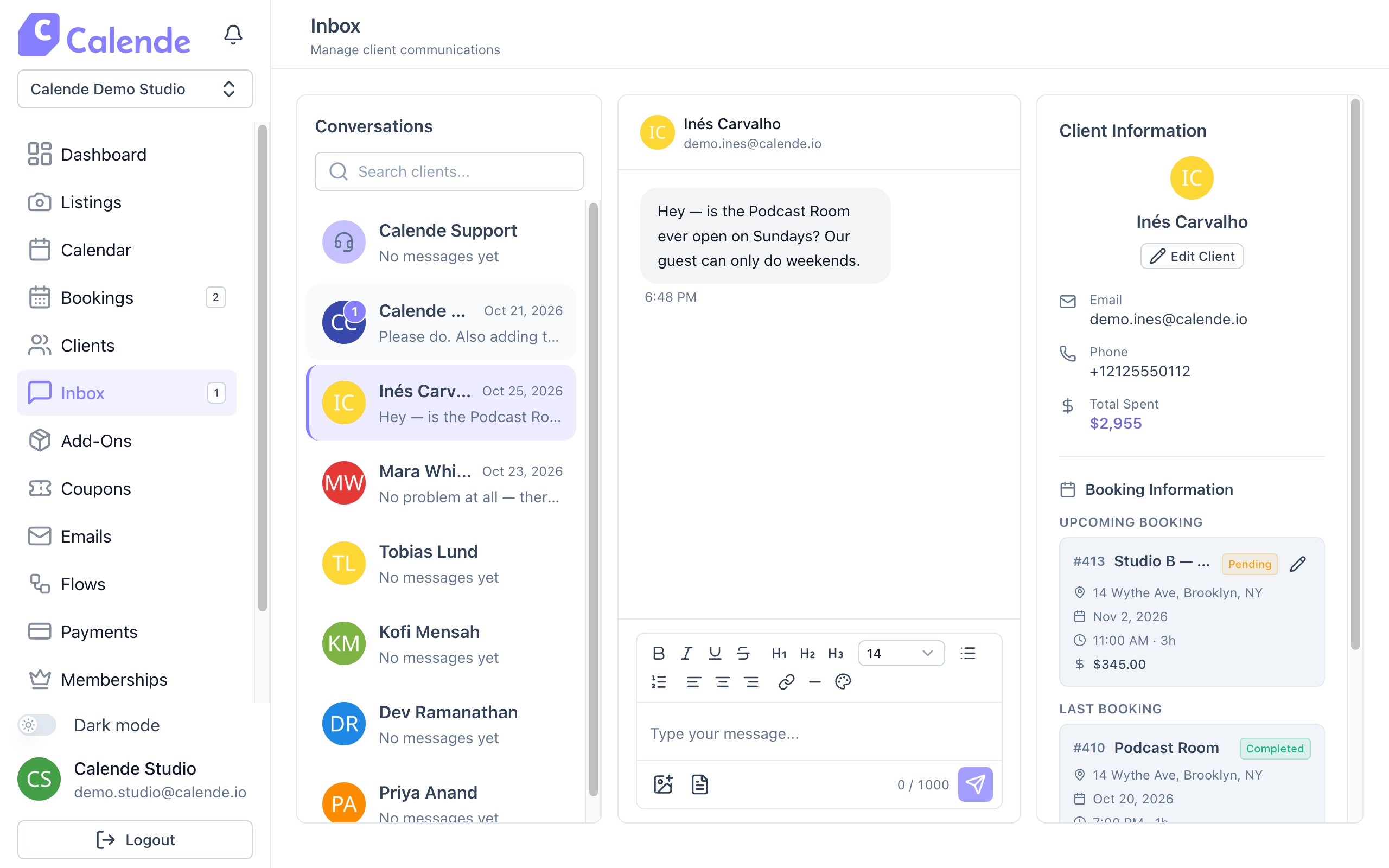
- Click Inbox. Unread conversations rise to the top.
- Open a conversation to reply, and attach images with the image button.
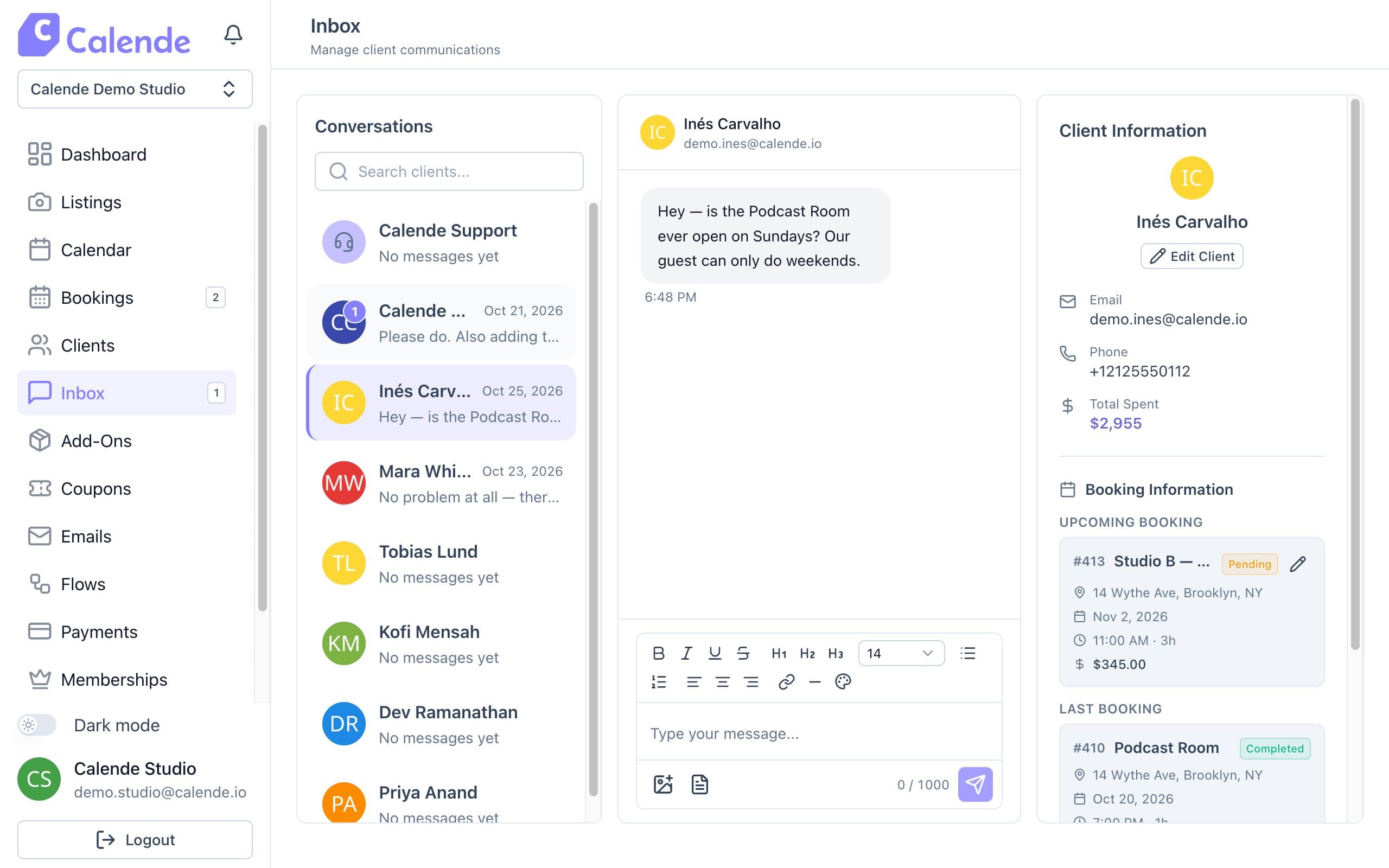
A client conversation, with their details and bookings on the right. - Click the templates button, then New, to save an answer you give often. Next time, insert it in one click.
- Use the client panel on the right to see bookings, spend and notes, or start a New Booking.
Good to know
- Clients message you from the Support page on your site.
- Inserting a template replaces what's in the box, so insert it first and add a personal line after.
- If you don't read a message within about five minutes, Calende emails you.