Edit a booking and charge or refund the difference
0:58 video · For owners
Why it matters
When you change a booking, Calende works out the new price and charges or refunds the difference for you.
Step by step
- On Bookings, find the booking and click Edit.
- Change the time, length, guests, add-ons or room, then click Update Booking.
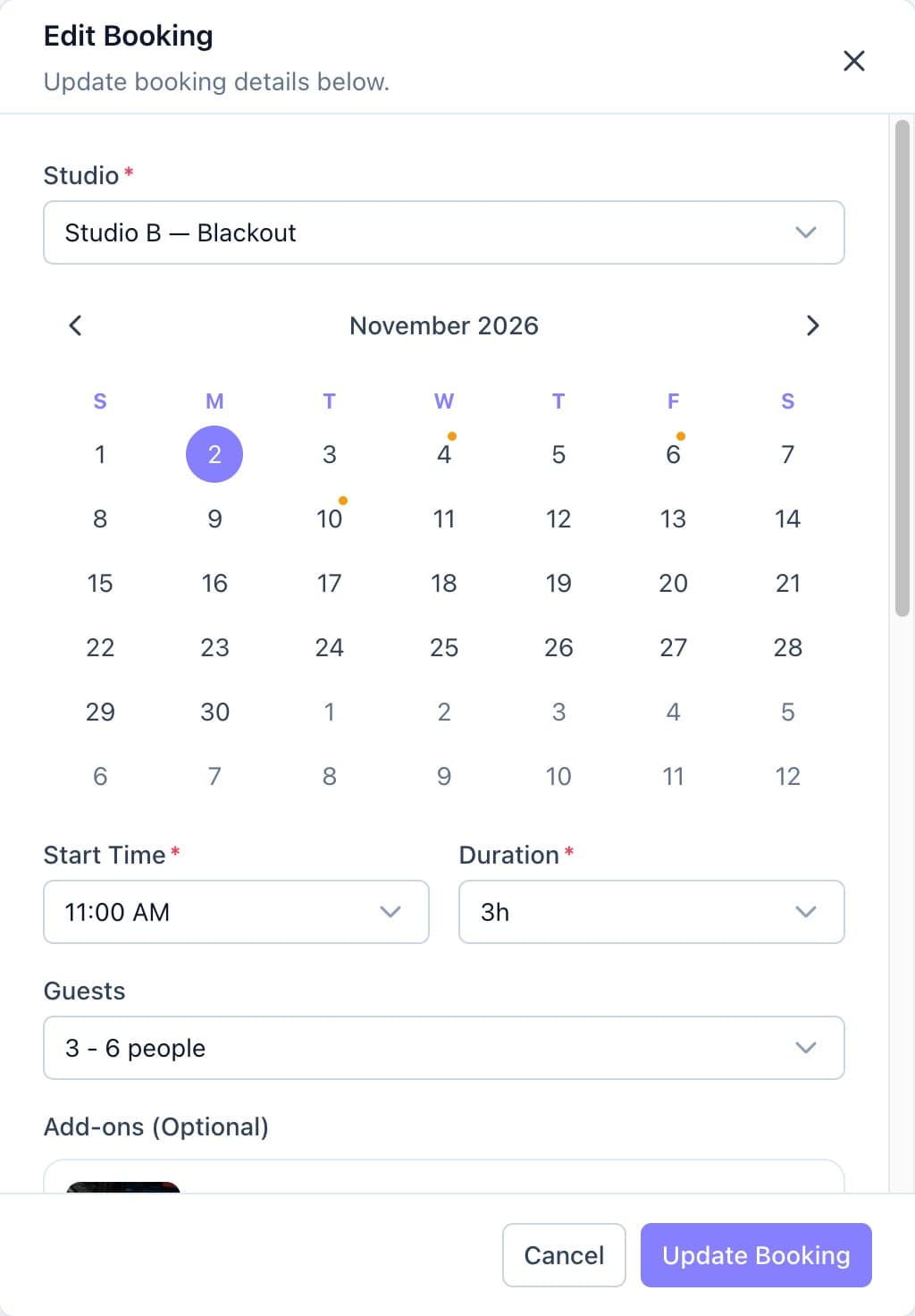
Editing a booking's room, date, time and guests. - Check the previous total, the new total and the difference.
- If the client already paid, click Charge to charge their saved card the difference. When the total goes down, set the refund amount and where it goes.
Good to know
- If a charge fails, the client is emailed a payment link and the change waits under Change awaiting payment.
- The client is emailed about every change you make.