Know your clients: profiles, notes and tags
1:07 video · For owners
Why it matters
Remembering who likes which room and who always runs late is part of good service. Calende keeps every client's history and your private notes in one place.
Step by step
- Click Clients to see everyone with their bookings and total spent.
- Search by name, email or company, or filter by tag or membership.
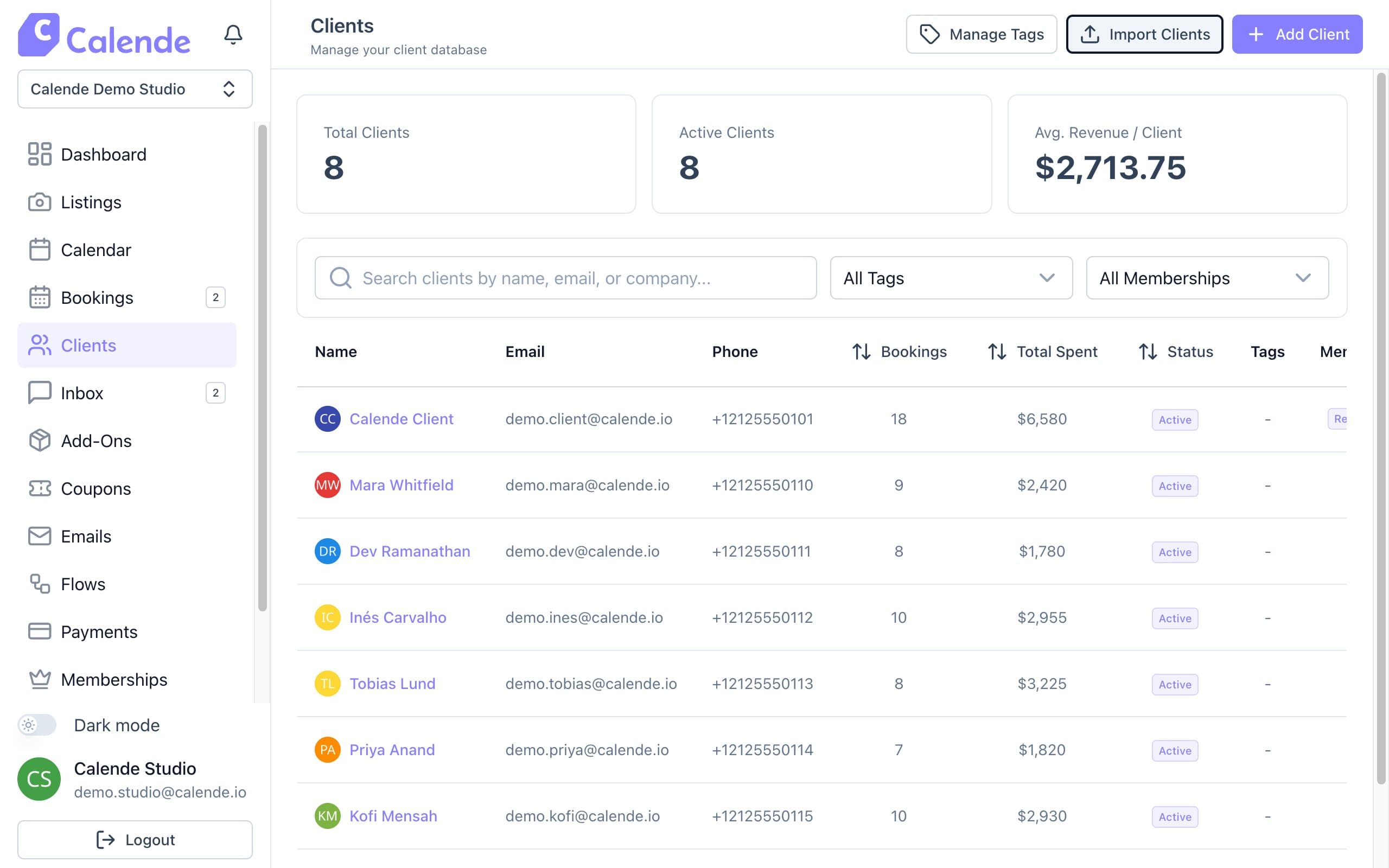
The client list with bookings, total spent and status. - Click a name to open the profile, then use Add New Note for private notes.
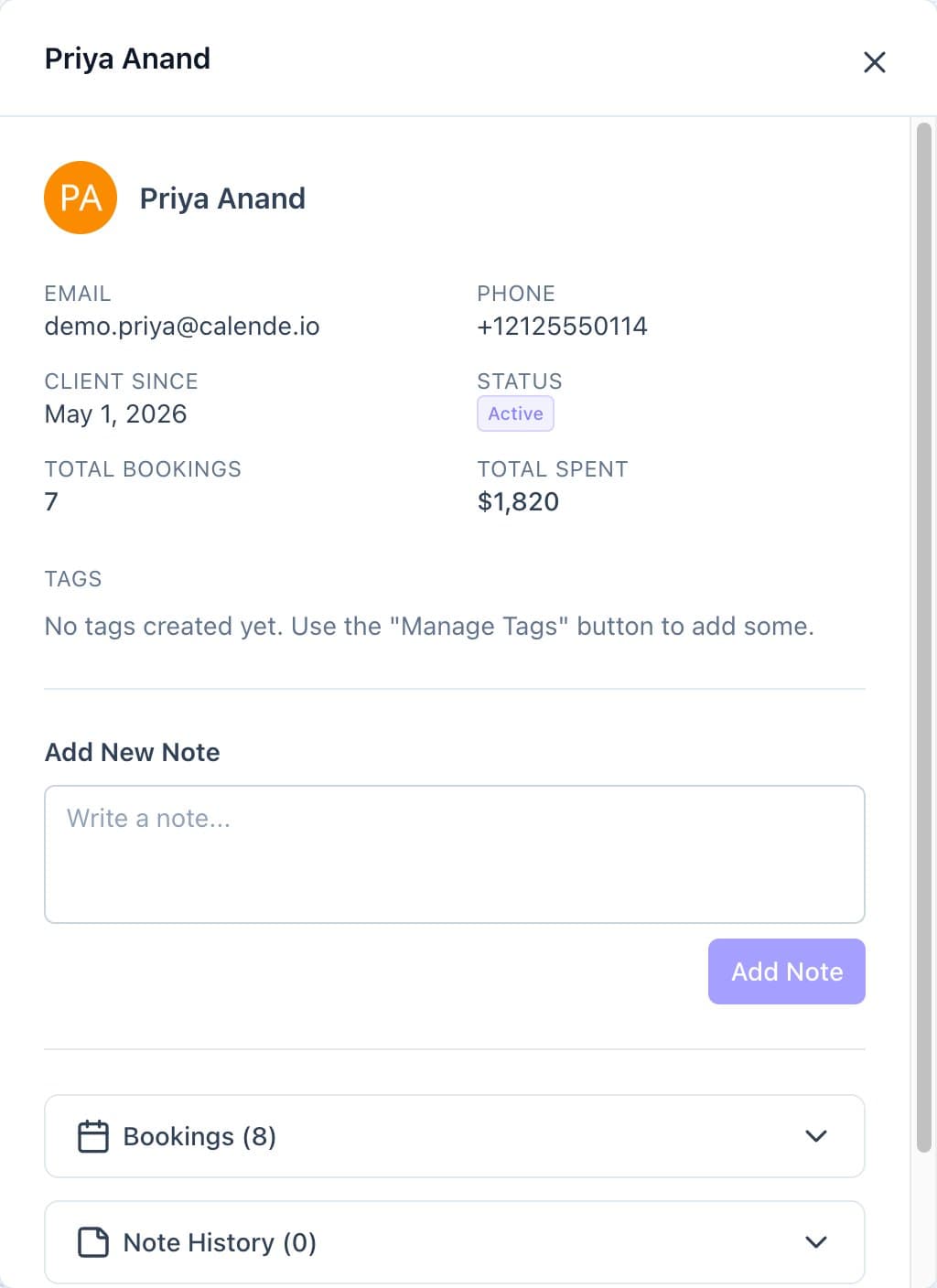
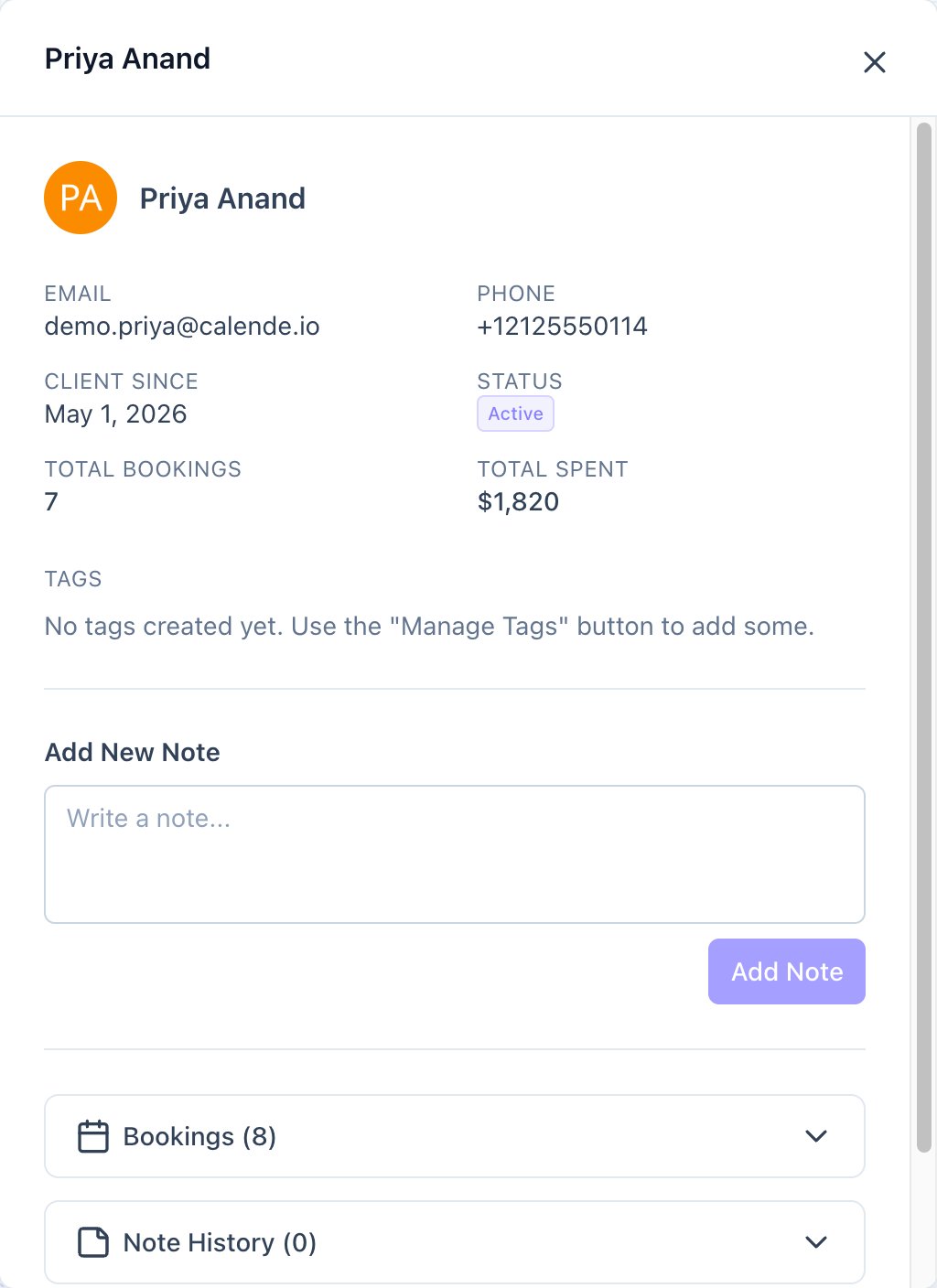
A client profile, with tags, private notes and booking history. - Click Manage Tags to create tags such as VIP, then add them to clients.
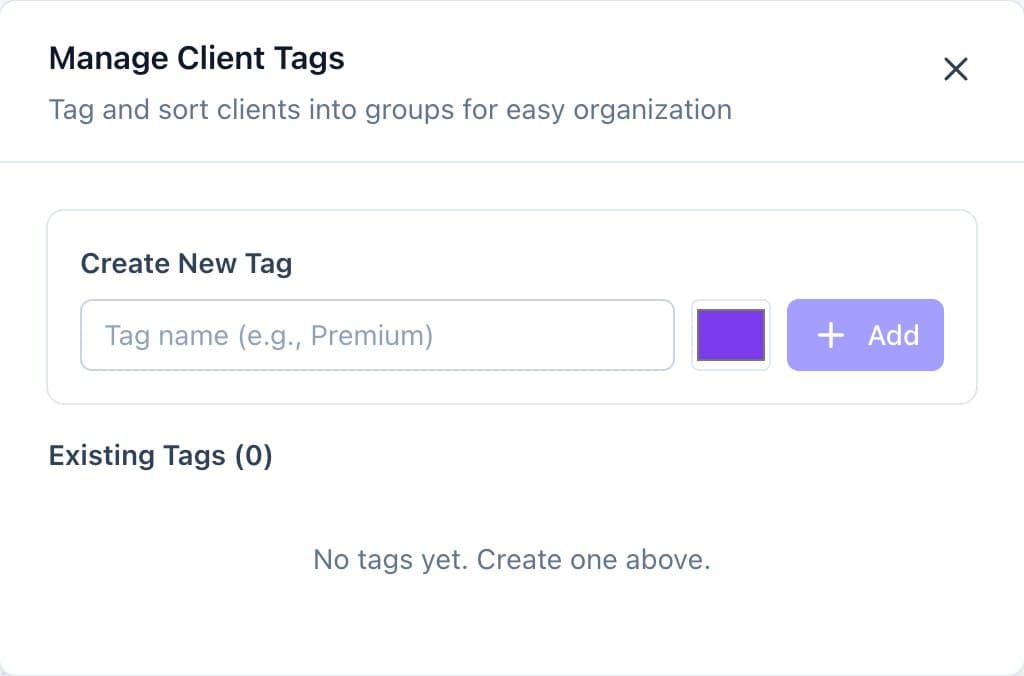
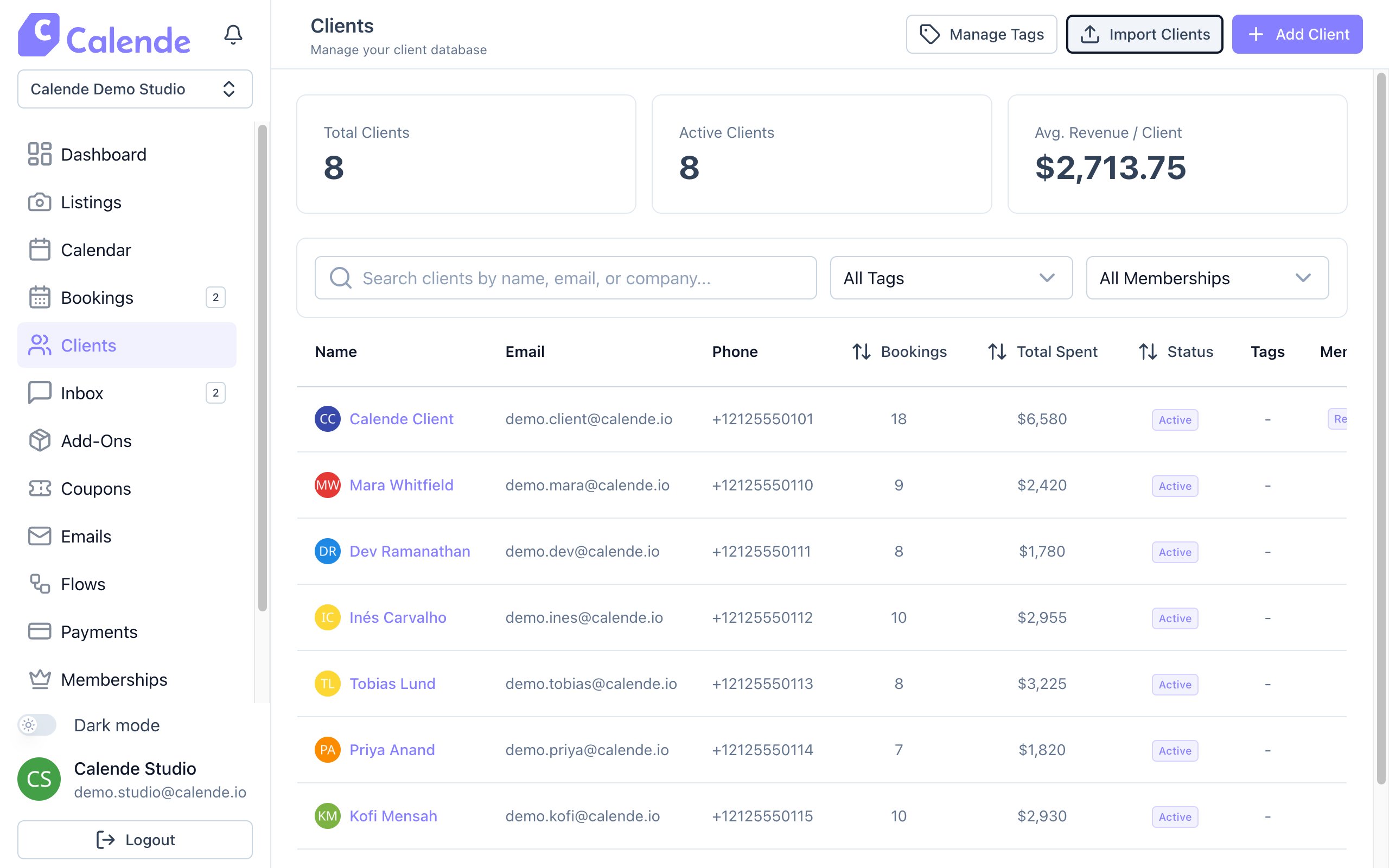
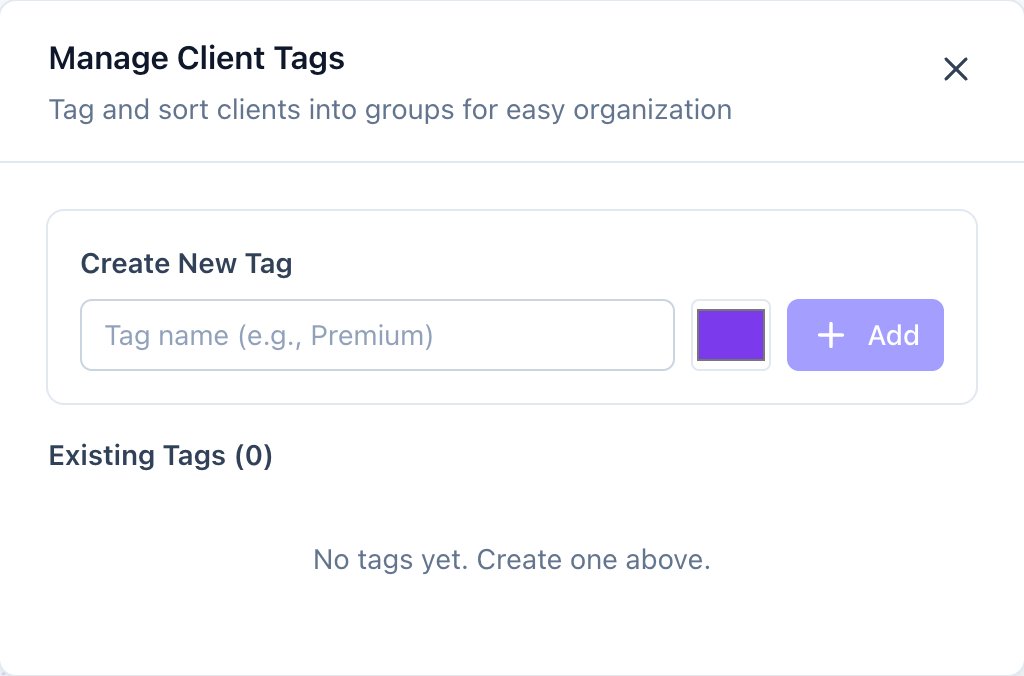
Manage Tags: create a tag and pick its colour. - Click Add Client to invite someone by email.
Good to know
- Clients you add appear in the list once they've set a password.
- Block a client instead of deleting them to keep their history.