Hours, time slots and buffers
1:08 video · For owners
Why it matters
Your hours, time slots and buffers decide which times clients can pick. Set them once and the booking page enforces them for you.
Step by step
- Open Listings, click Edit on a room and go to Hours & Sync.
- Under Operating Hours, switch each day on or off and set its From and To times.
- Set Booking Time Increments to 15, 30, 45 or 60 minutes.
- Set a Minimum Lead Time so nobody can book at the last minute.
- Under Buffer Time, add setup time before and cleanup time after each booking.
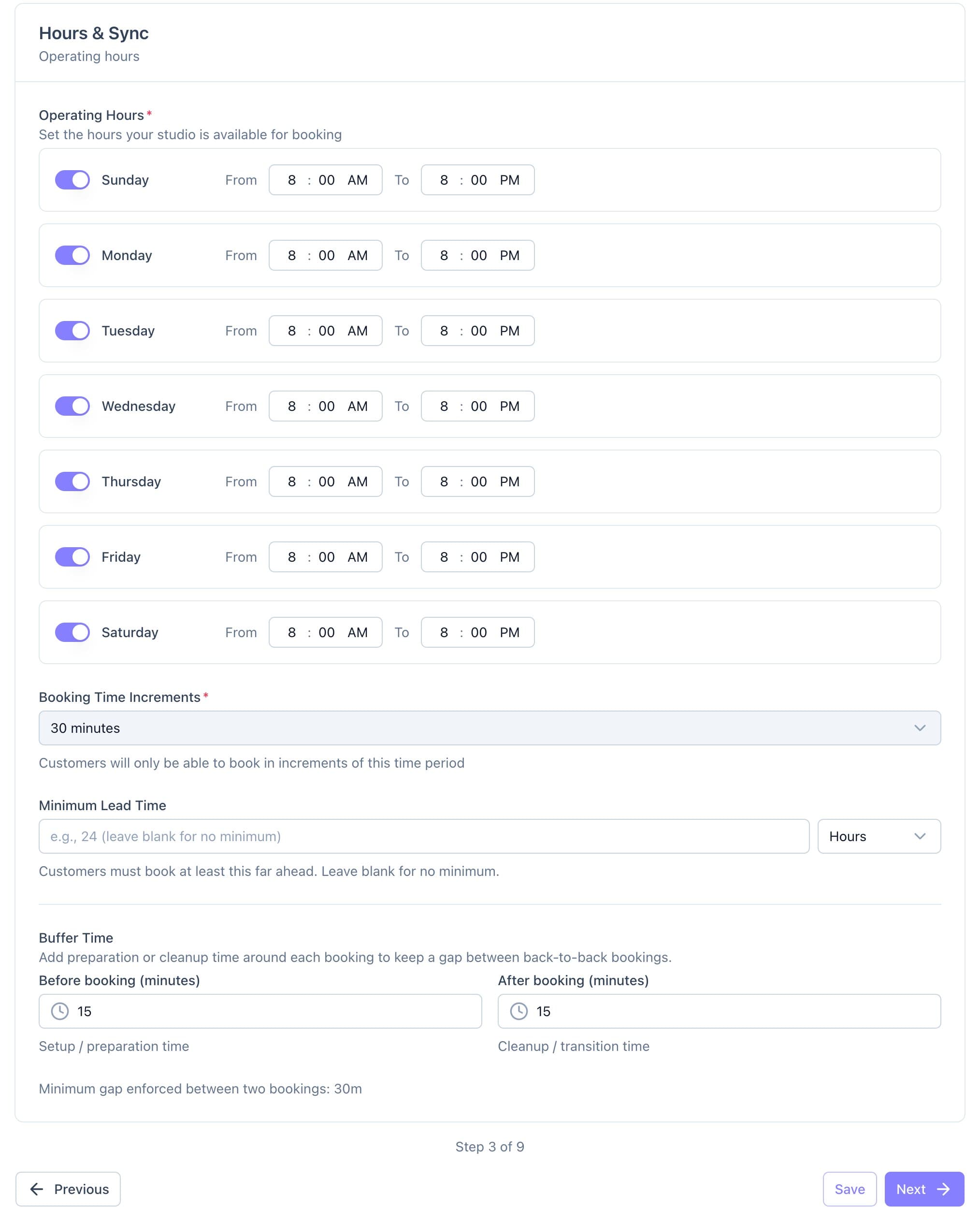
Operating hours, booking increments, lead time and buffers on the Hours & Sync step. - Click Save.
Good to know
- Calende shows the total gap it keeps between two bookings.
- To close a single day, use the Calendar instead.