Pricing: hourly rate, custom rates and guest tiers
1:17 video · For owners
Why it matters
Calende can charge different rates for weekends, specific dates and group sizes, so you never adjust a quote by hand.
Step by step
- Open the room's Edit page and go to Pricing.
- Set the Base Hourly Rate ($), Minimum Booking Hours and Maximum Number of Guests.
- Under Custom Rates, click Add Rate and choose Weekend, Weekday or Specific Date, each with its own hourly rate.
- Under Guest Count Pricing Tiers, click Add Tier to charge an extra hourly rate for bigger groups.
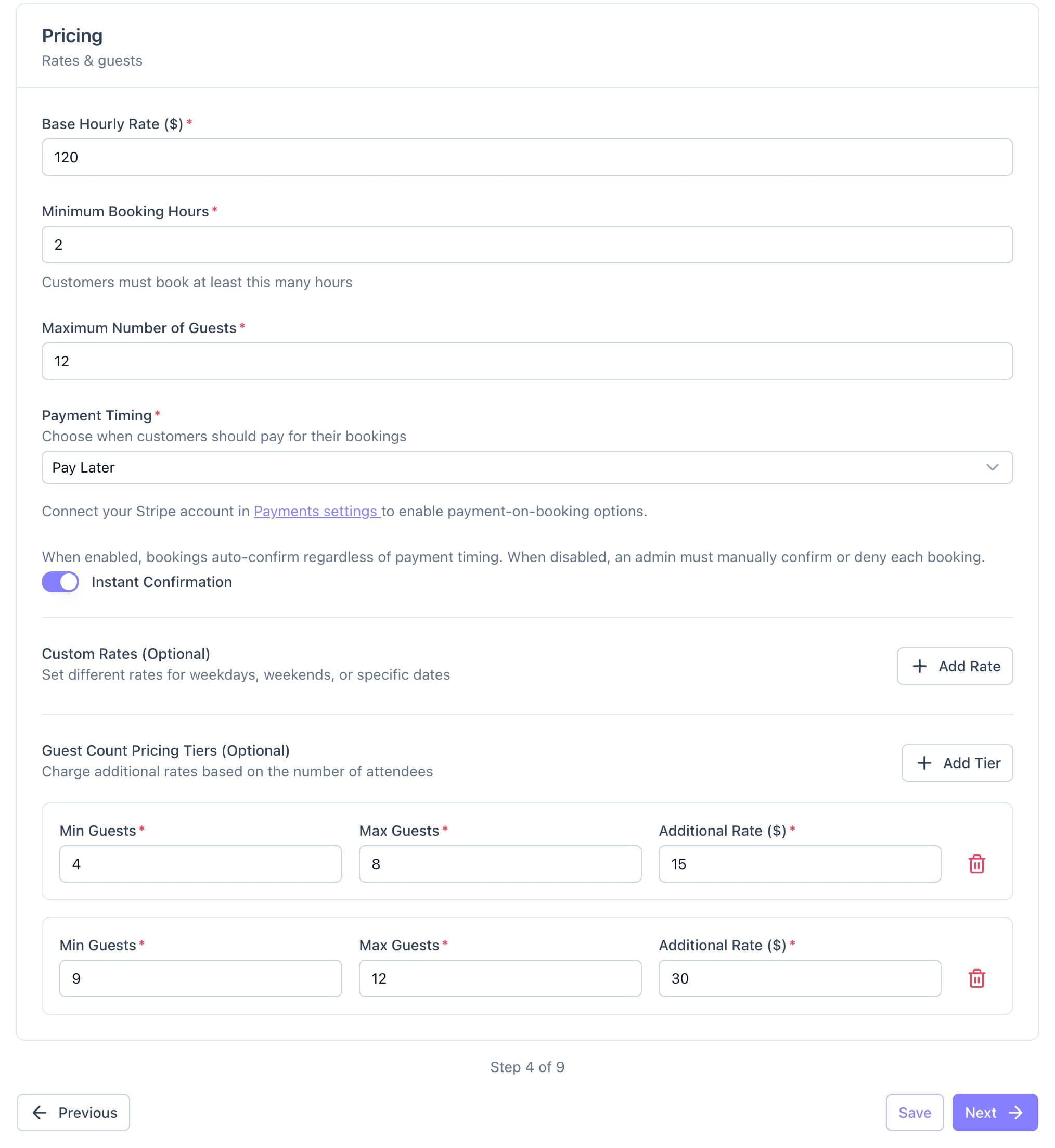
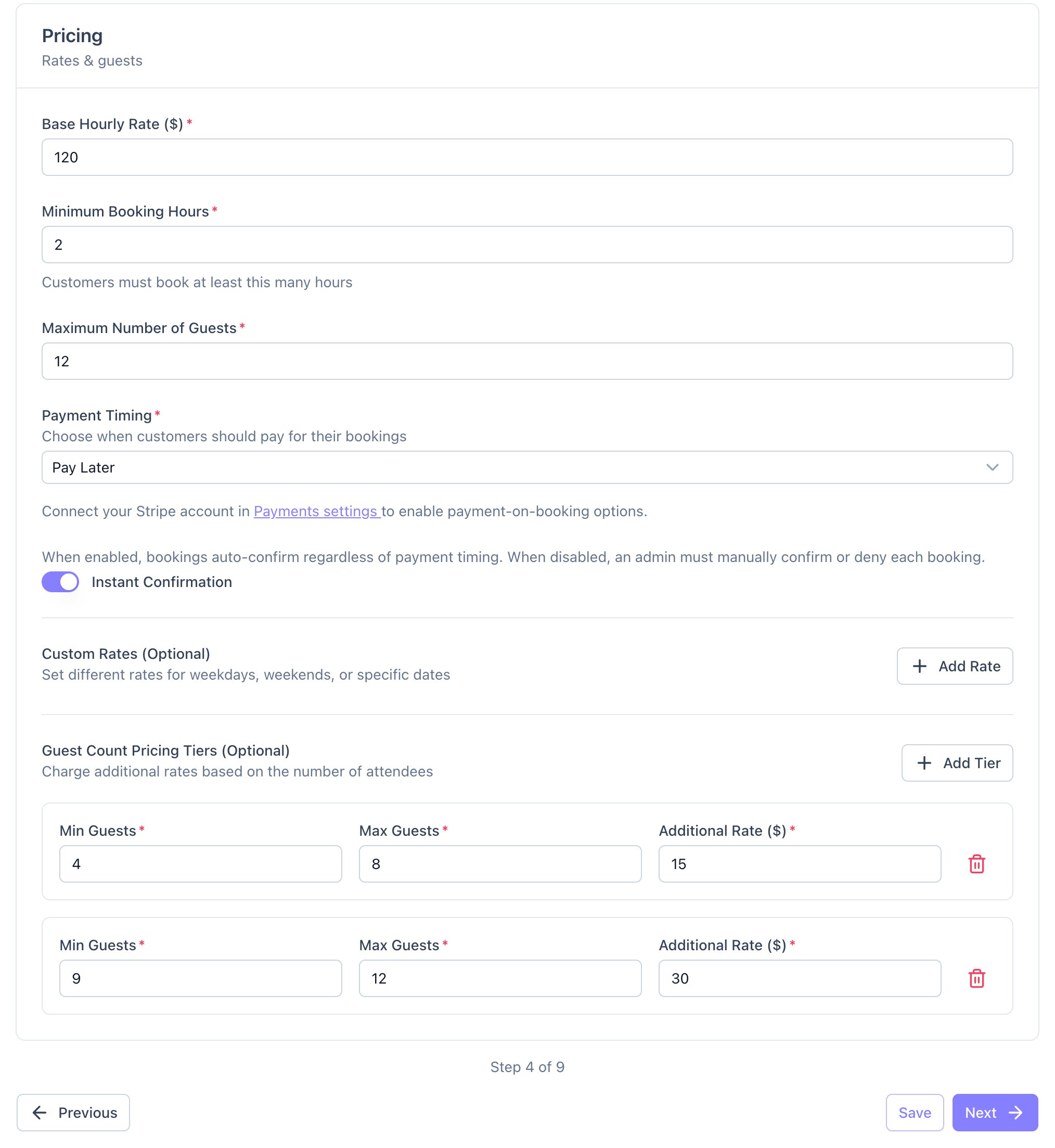
The Pricing step, with two guest tiers set up. - Click Save.
Good to know
- A specific date beats the weekend rate, and the weekend rate beats your base rate.
- Minimum hours are whole hours, and guest tiers must run on from each other with no gaps.